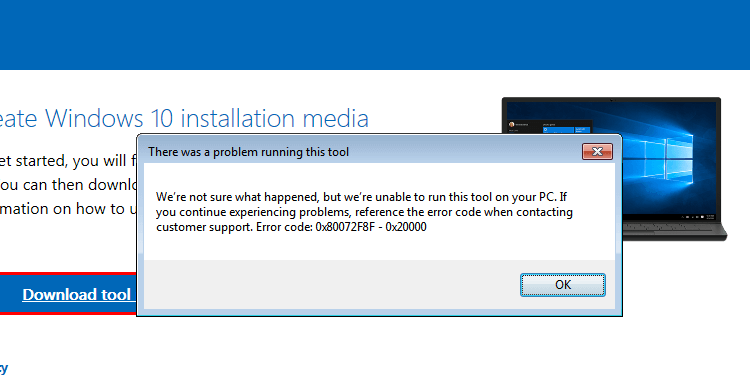
When you attempt to upgrade to Windows 10 from a Windows 7/8 computer using Microsoft’s Media Creation Tool, the error 0x80072F8F - 0x20000 may appear. The full error message verbatim is below:Read more
Windows 8
[Fix] Cannot View Homegroup Password or Create New Homegroup
The Homegroup feature makes life easy for small business users, as it helps create a home network easily without the hassles of changing the permissions and setting the shares manually. BY automating the tasks, you can easily share files and printers on a home network. Homegroup feature is available in Windows 7 and higher.
This post tells you what to do when the options View or print the homegroup password, Change the password and Leave the homegroup are missing, and you’re unable to create or join a homegroup.Read more
Perform System Restore Rollback Offline via Windows RE
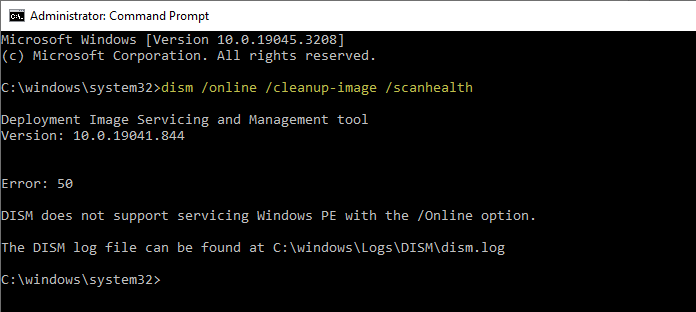
System Restore is an excellent tool that can rescue the system from catastrophe. But, when you cannot revert the system configuration from normal mode, you can perform System Restore rollback offline via Windows Recovery Environment (WinRE), or from Safe Mode.Read more
Customize and Backup Quick Access Toolbar Settings in File Explorer
The Quick Access Toolbar (QAT), part of the Ribbon framework, is located in the title bar of File Explorer and Office applications. You can add your frequently used ribbon commands to the Quick Access Toolbar for easy access — so that you don’t need to switch tabs each time to use a particular command.Read more
How to Disable Automatic Maintenance in Windows 10
Windows automatically runs scheduled maintenance on a daily basis when you’re not using your computer. This feature is called Automatic Maintenance, which takes care of updating Windows Store apps and other software, running Windows Defender scans, system diagnostics, Disk Cleanup, etc.Read more
Increase Lock Screen Display Off Timeout in Windows 10 and 11
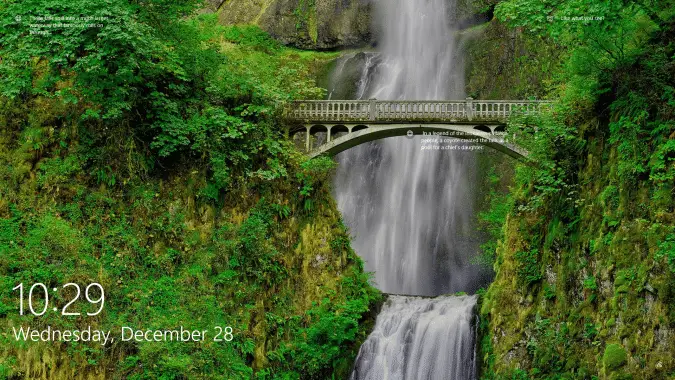
The lock screen which exists in Windows 8 and higher is an additional screen with a background image. The lock screen, which conceals the login screen, shows the time and date, quick status of running apps and the current Windows Spotlight image details.

After 60 seconds of no user activity, the lock screen display turns off to conserve power. This timeout applies when you lock the device or workstation, as well as during startup.Read more
How to reorder folder groups in a library in Windows?
Libraries were first introduced in Windows 7 and the feature has been carried forward to Windows 8 and Windows 10. Libraries provide you a consolidated or aggregated view of related files in one place.Read more