Error 0x80070141 Transferring Photos from iPhone to Computer

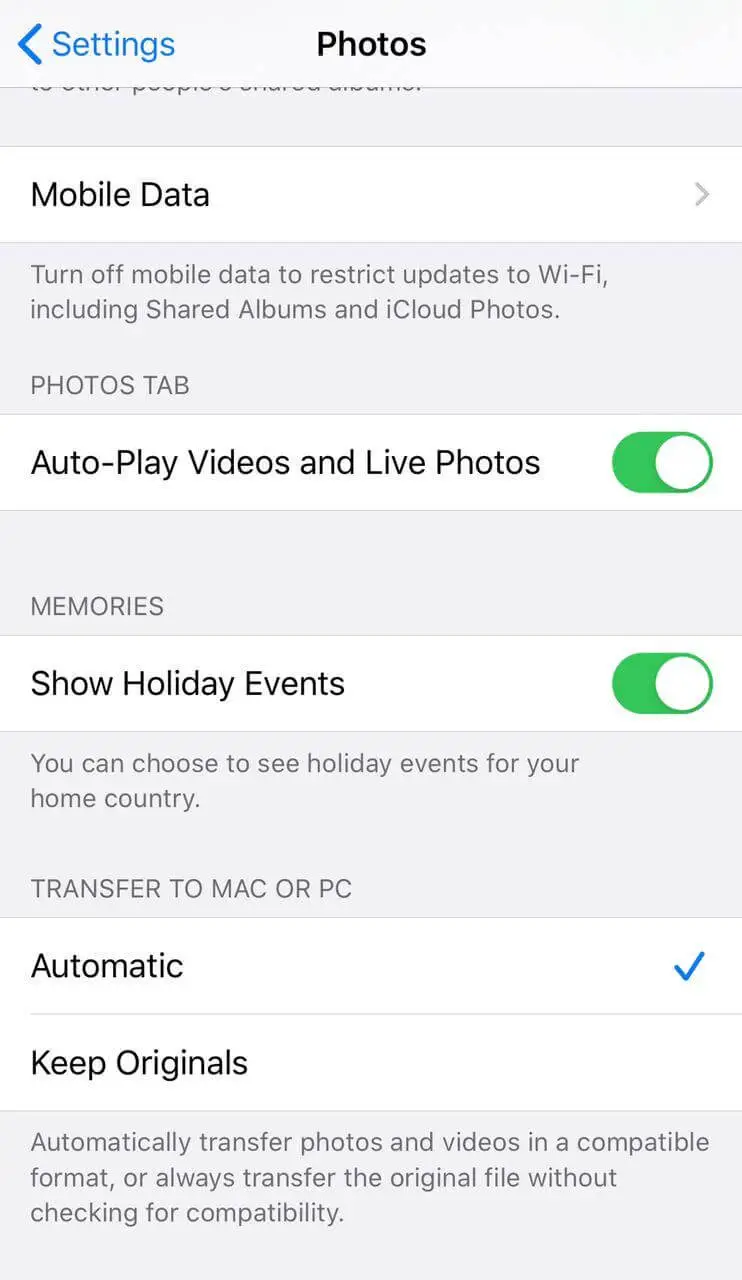
iphone media transfer automatic vs keep originals

When you transfer the photos from your iPhone or iPad to a PC or Mac, you may receive the error 0x80070141 - The device is unreachable. The error may occur regardless of whether you transfer the photos via the Import Photos wizard or when copying them manually from the DCIM folder via File Explorer.

In some cases, you receive the following error:

Something went wrong. Your files might not have been imported. Try again.

The error code 0x80070141 - The device is unreachable can usually be fixed by changing the USB port (to a USB 2.0 port, preferably). And if that doesn’t work the USB cable may need to be changed. However, for iPhone or iPad users, there is a simple media export setting that prevents the error from occurring.

Read more

[Fix] Windows Live Mail Error 0x800C013E in Windows 10

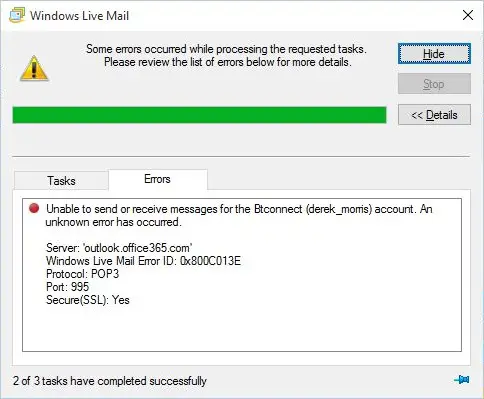
windows live mail 0x800C013E in windows 10 2004

After installing the Windows 10 Feature Update 2004  (Build 19041.xx), you may be unable to send or receive emails using Windows Live Mail Version 2012. The error message may look like the following:

Unable to send or receive messages for the [name] account. An unknown error has occurred.

Server: 'mail.server.com'
Windows Live Mail Error ID: 0x800C013E
Protocol: POP3
Port: 110
Secure(SSL): No

Server: imap.googlemail.com
Username: 
Protocol: IMAP
Port: 993
Secure(SSL): 1
Code: 800c013e

Server: imap-mail.outlook.com
Username: [name]@hotmail.co.uk
Protocol: IMAP
Port: 993
Secure(SSL): 1
Code: 800c013e

windows live mail 0x800C013E in windows 10 2004

Also, when you preview an email in Windows Live Mail, you may see the following error message(s):

Message could not be displayed

Windows Live Mail encountered an unexpected problem while displaying this message. Check your computer for low memory or low disk space and try again.
Could not write this message to disk

Read more

Windows Defender Service Missing; Security at a glance page is Empty

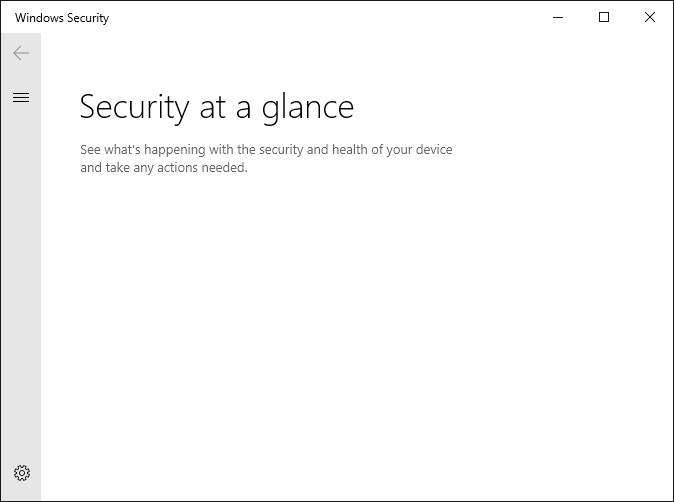
windows defender service missing - security at a glance is empty

In the aftermath of malware infection, when you open the Services MMC on a Windows 10 or 11 computer, you may find that the Windows Defender (“Microsoft Defender Antivirus Service”) service is missing from the Services MMC. The Windows Security settings “Security at a glance” page may show up empty as in the following screenshot. … Read more

How to Join Multiple Videos in Windows Using Avidemux

avidemux user interface

Due to file size restrictions or other reasons, sometimes, your friends or co-workers may send videos in multiple parts. This is especially the case when you get the videos from WhatsApp, email, or other social media platforms. Once downloaded, you may want to combine the multiple clips into one single video for easier management.

We’ve seen how to do merge videos using the built-in Photos app. But this post tells you how to combine multiple video clips into one, using 3rd party freeware like Avidemux, FFmpeg, etc.Read more

“PC-Doctor Module” High CPU, Memory, Disk Usage and Slowdown

dell pc-doctor module 100% cpu and memory usage

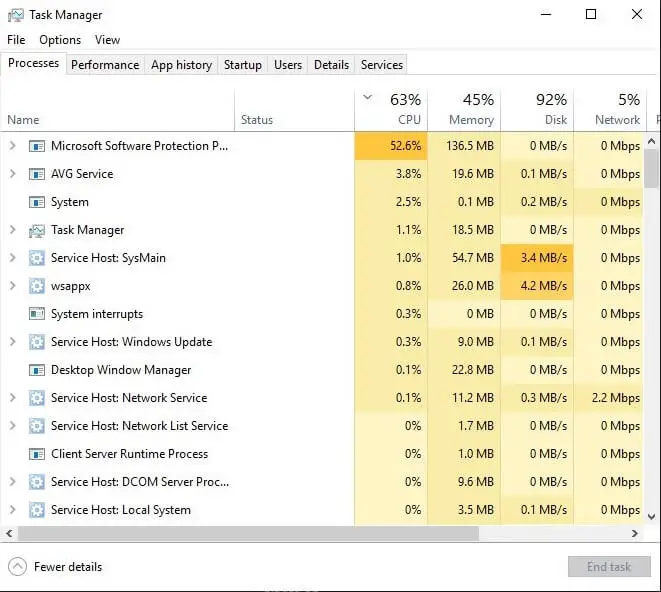
Occasionally, your system may slow down to a crawl due to the PC-Doctor Module process that runs in the background. When this happens, it can take several seconds to open the Task Manager or any program.

The Task Manager may show that a process named PC-Doctor Module is occupying 100% of CPU and a very high amount of RAM. You may be wondering if PC-Doctor Module is a virus, Malware, or a PUA.Read more

How to Open File or Folder Path from the Clipboard Using Shortcut

copy path to clipboard to Run dialog

Sometimes we may need to copy a file or folder path from your email or chat window to the clipboard, and open the file or folder manually. Most people open the file or folder by launching the Run dialog, pasting the path from the Clipboard, and clicking OK.

paste path from clipboard to Run dialog

If your job involves doing this sort of task repeatedly, manually opening the Run dialog and pasting the path every time can be tedious. You can simplify this using a keyboard shortcut (hotkey) with the help of a small AutoHotKey (AHK) script.

Read more

“Users must enter a user name and password” option missing

userpasswords2 password checkbox missing

When you open the User Accounts dialog by running control userpasswords2 or netplwiz.exe to configure automatic login to your user account, the Users must enter a user name and password to use this computer option may be missing in that dialog.

userpasswords2 password checkbox missing

As a result, you’re unable to configure auto-login to your user account. This post tells you how to bring back the option in Windows 10 or 11.Read more

Problem Ejecting USB Mass Storage Device Currently In Use

problem ejecting usb device

USB devices, including external USB hard drives, are meant to be hot-pluggable — you can plug or unplug them when Windows is running. However, some processes may have a lock on the files in your external hard disk and won’t release them that easily. This prevents you from ejecting the drive typically using the Safely remove hardware icon.

problem ejecting usb device

You may get the following error when ejecting a USB drive from the computer:

Problem Ejecting USB Mass Storage Device

This device is currently in use. Close any programs or windows that might be using the device, and then try again.

problem ejecting usb deviceRead more

[Fix] Windows cannot find Winword.exe or Excel.exe — Can’t open Any Program

avast avg debugger cannot open office apps

When you open Office programs such as Word, Excel, PowerPoint, Outlook, etc, nothing may happen (except for the screen flash) if you double-click the program shortcut. If you open the Office program’s folder and double-click the executable (e.g., winword.exe, excel.exe, powerpnt.exe, outlook.exe) directly, the following error(s) occur: Windows cannot find ‘C:\Program Files\Microsoft Office\root\Office16\WINWORD.EXE’. Make sure … Read more