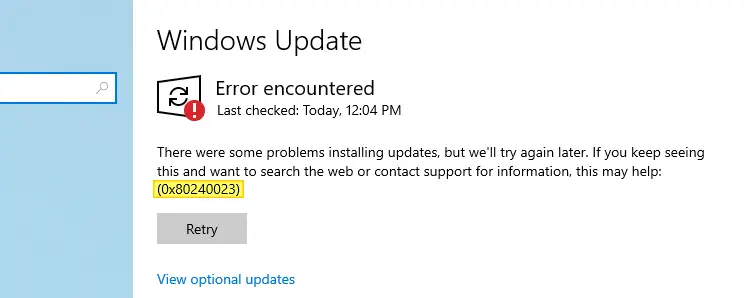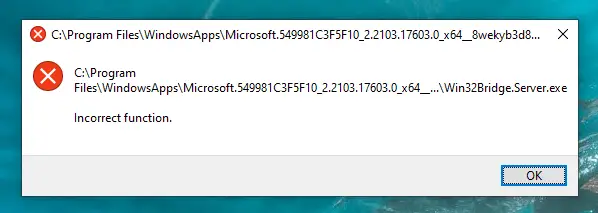
After installing the latest Windows 10 Feature Update (v21H1), I received the following error at startup:
C:\Program Files\WindowsApps\Microsoft.549981C3F5F10_2.2103.17603.0_x64__8wekyb3d8bbwe\Win32Bridge.Server.exe

Incorrect function.
You’re browsing the “Windows” parent category, which lists articles on every Windows Operating System.
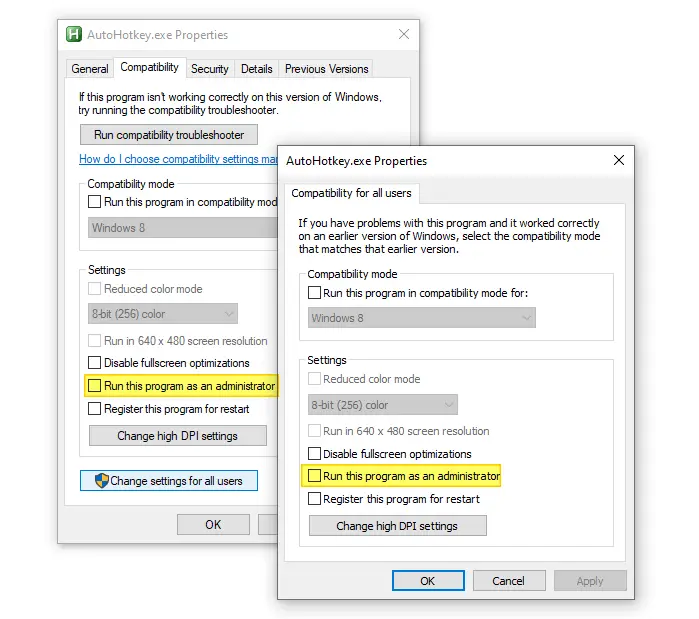
Windows supports many auto-start launch points from where you can launch programs at the startup. There are many registry startup locations in addition to the Startup and Common Startup folders. On some computers, when you place a program shortcut in the Startup folder or the Run registry keys, one or more programs may not auto-start … Read more
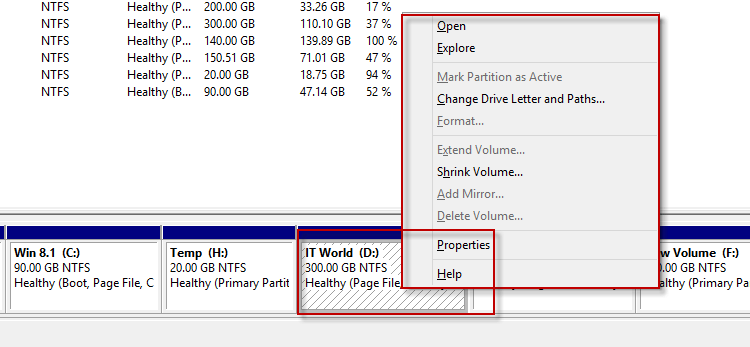
In the Disk Management console, the “Delete Volume” option may be dimmed out in the right-click menu for USB flash drives. So, users may be wondering how to remove one or more partitions in the external USB drives.
The “Delete Volume” option may be missing if the page file (pagefile.sys) exists in the partition, or the disk contains an Operating System.
If you look at the image above, you can see that a Page File exists in the D: drive — denoted by the line Healthy (Page File). Hence the Delete Volume option is grayed out.
This article explains how to delete the volume on a USB drive if the option is missing in Disk Management.Read more
Occasionally, your desktop icons may be spaced out too far or very close to each other in Windows. The desktop icon spacing may sometimes be messed up after installing a video driver update. In some cases, the vertical spacing may be fine, but the horizontal spacing may be messed up (e.g., showing a rectangle) or … Read more
The Win + Shift + S keyboard shortcut, powered by the Snip & Sketch tool, allows you to quickly take a screenshot of a particular screen area or the entire screen. Some users are facing a situation where the hotkey combination doesn’t work on their Windows 10 computer. For instance, nothing may happen when you use the hotkeys. Or you don’t get the Snip & Sketch screen capture notification in the Taskbar notification area.
Let’s see how to fix the Snip & Sketch screen clipping feature in Windows 10 or Windows 11.Read more
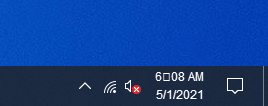
After changing or substituting the system fonts with a different font, you may notice that the colon symbol may be missing in the taskbar clock. Instead of the colon punctuation mark, a different symbol (e.g., a square or rounded white box) may appear in the tray clock. Despite this issue, fonts in the other areas … Read more
After installing a Windows Update — be it a Cumulative Update, Feature Update, or a driver update, internet access may get broken in some configurations. To name a few, the Quality Updates KB4556799, KB4023057, KB4495620, and the 20H2 Feature Update broke network connectivity on some devices. This article provides some troubleshooting steps to restore internet … Read more
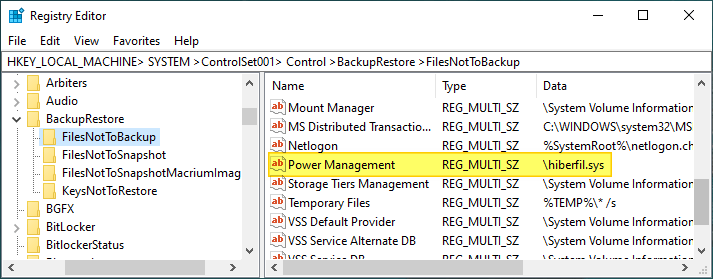
When you hibernate your computer, the system dumps the entire memory contents to a file named hiberfil.sys in the system root folder. It’s a hidden & system file whose default size is 40 percent of total physical memory (RAM) on a Windows 10 computer. The fast startup feature also uses hibernation technology and the hiberfil.sys file.
If the physical memory on our computer is 16 GB, the default size of hiberfil.sys would be 6.4 GB. Many users, especially those who use a small-capacity SSD drive for the Windows partition, may be wondering if they can move hiberfil.sys from the system root folder to a different drive (like moving the pagefile.sys) to free up disk space on the system drive.Read more
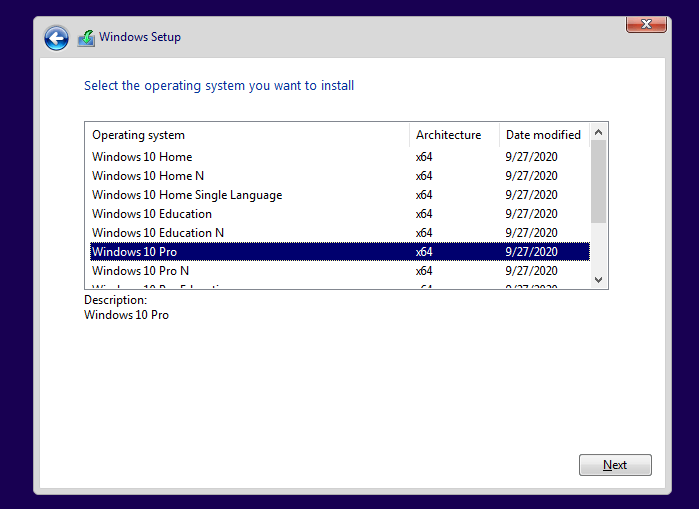
Windows 10 or Windows 11 ISOs downloaded from the Microsoft site or using the Media Creation Tool are multi-index ISOs that contain multiple Windows editions. When running a clean installation using the Windows DVD or USB setup disk, the setup procedure asks the user to choose a Windows Edition from the list. However, in some … Read more