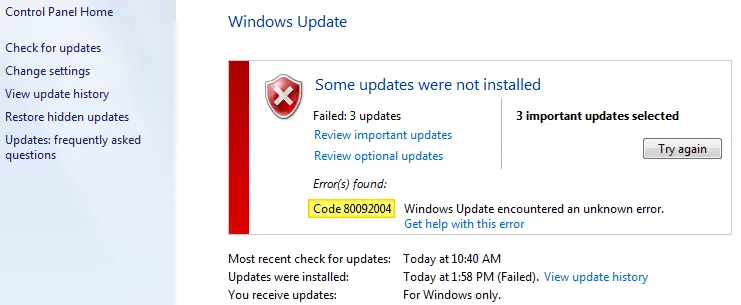
When you attempt to install the KB4516065 Monthly Rollup Update (September 10, 2019) on your Windows 7 computer, the error 80092004 appears.Read more
 Ramesh
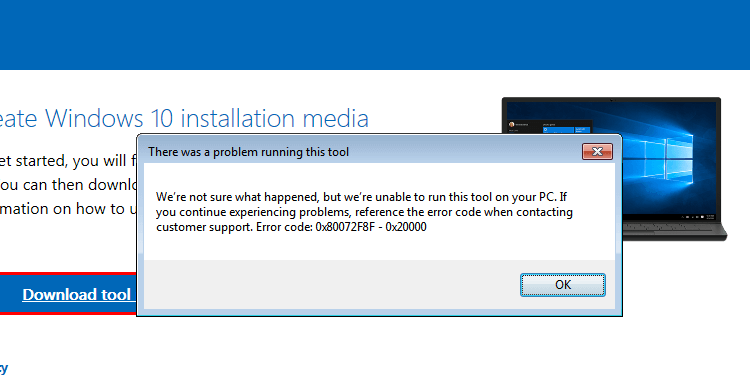
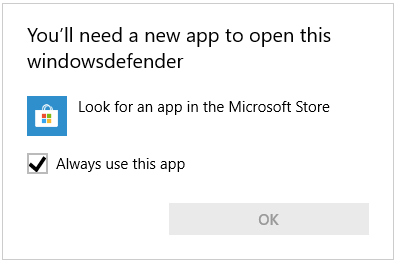
How to Restore Old Classic Notepad in Windows 11

Windows 11 comes with the modern Notepad app that automatically replaces the old/classic Notepad program. The new Notepad UWP app supports color emojis, dark mode, RichEdit editing enhancements, Ctrl+} for toggling between matching brackets/parentheses, multilevel undo, drag & drop, and automatic URL detection.Read more
[Fix] PDF Preview Shows Directory Index or ERR_FILE_NOT_FOUND
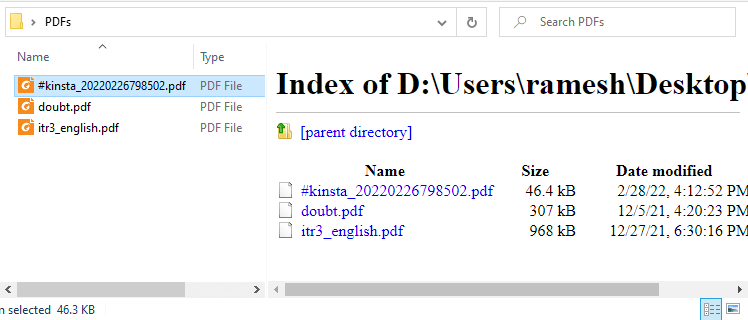
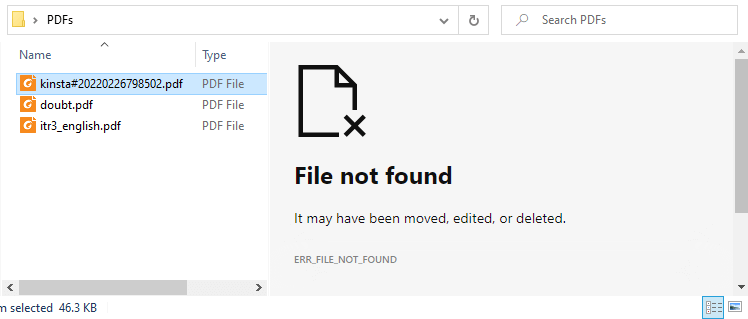
When you preview PDF files in File Explorer or Microsoft Outlook on your Windows 10 or Windows 11 computer, the preview pane may show the directory index of the current folder instead of previewing the PDF file’s contents.
In some cases, it shows the following error:
File not found

It may have been moved, edited, or deleted.
ERR_FILE_NOT_FOUND
How to Get Back Enhancements Tab (Loudness Equalization) in Speaker Properties
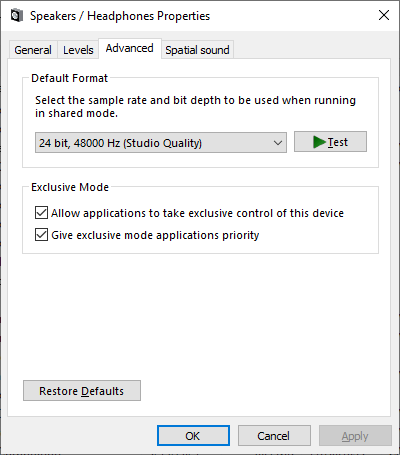
After installing the audio driver update or upgrading the Operating System, you may notice that the “Enhancements” tab is missing in the Speaker/Microphone properties window.
The Enhancements tab provides options to configure Bass Boost, Virtual Surround, Room Correction, Loudness Equalization, and other features.
Master List of Keyboard Shortcuts in Windows 11
This page has the complete list of keyboard shortcuts for Windows 11.
Keyboard Shortcuts
[Fix] Can’t Change File Association via Default Apps in Windows 11
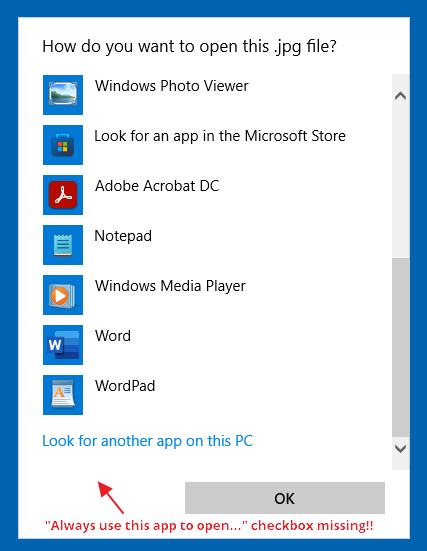
After installing third-party software on your Windows 11 computer, the ability to associate file types such as JPG, JPE, JPEG, PNG, MPG, MPEG, and other file types may be hampered. Here are the issues you may encounter when attempting to change the file association for the said file types.
When you right-click on an image file such as .jpg, click Open With, and select Choose another app, the “Always use this app to open .jpg files” checkbox is missing.
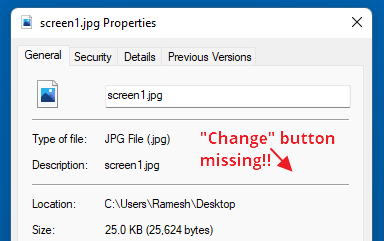
If you right-click on the image file and click Properties, the “Change…” button is missing:
In the Settings → Apps → Default apps dialog, the “Choose a default” button would be grayed out when you type the file extension (e.g., .jpg, .png, etc.) in the text box.
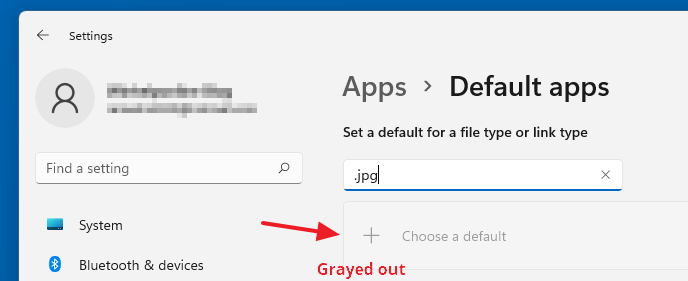
As a result, you may be unable to change the file association for image (and some video) file types.Read more
[Fix] Drag and Drop not working in File Explorer
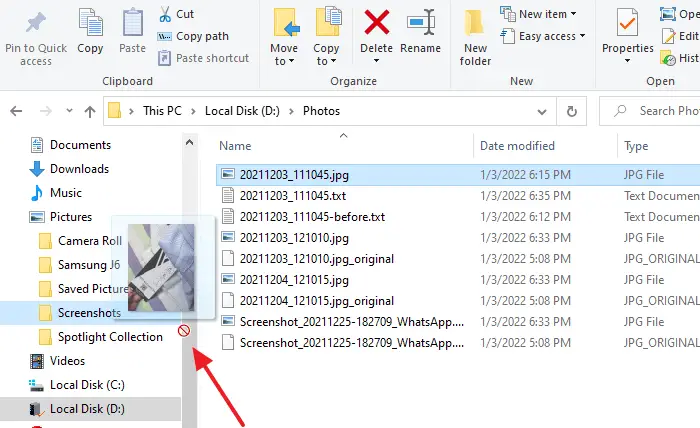
On your Windows 10/11 computer, you may unexpectedly find that the drag and drop functionality has stopped working in File Explorer. This issue may occur only when dragging files or folders to a folder in the Explorer navigation pane.Read more