Q: I have the latest version of Nokia PC Suite installed, and have been trying to remove the Nokia Phone Browser icon from My Computer. So far have been unsuccessful. Do you know how to remove the icon? I’m using Windows XP SP2.
 Ramesh
How to Delete a Windows Service in Windows 10/11 and Earlier
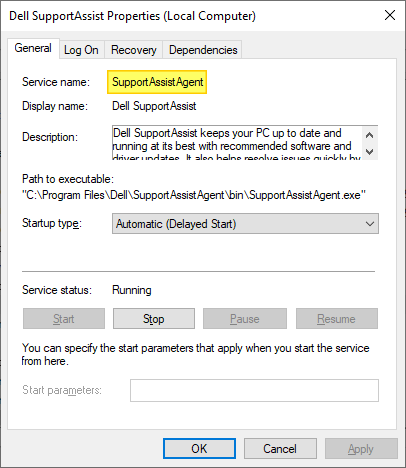
Have you come across a situation where uninstalling software leaves its Service or driver entries in the registry, and Windows tries to load them at every boot, fails, and logs the error to the System Event log at every startup?
This article tells you how to delete an orphaned service in Windows 10 (and earlier) using the registry, SC.exe command-line, PowerShell, or Autoruns. Before proceeding further, create a System Restore Point and take a complete Registry backup.
If you find that no dependents exist for a service, you can delete the leftover or unwanted Service in Windows using one of the following methods.
How to Add OEM Information and Logo in Windows 10
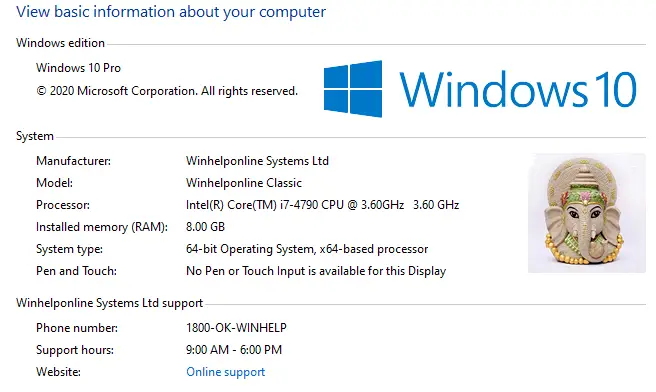
Computer manufacturers usually include their OEM brand info and logo in the System Properties applet when preinstalling Windows. This article tells you how to modify or add OEM information to the System Properties window in all versions of Windows, including Windows 10.
In Windows 10, the OEM information is shown in the modern Settings app (“About your PC” page) as well.Read more
Error 0x80070032 when creating a System Restore point in Windows Vista
When you try to create a System Restore point in Windows Vista, the following error may occur: Could not create the scheduled task for the following reason: The request is not supported. (0x80070032) This happens if the Windows Event Log and the Task Scheduler services are disabled. Follow these steps to fix the problem. 1. … Read more
A Utility to Unassociate File Types in Windows 7 and Vista
Here is a utility that helps you unassociate a file type quickly in your Windows Vista or Windows 7 computer without the need to edit the registry manually. Windows 7 & Vista do not provide a GUI option to unassociate file types, thus the need arises for such a tool below. Related article:How to Remove … Read more
How to Clear the Thumbnail Cache in Windows 10 or 11
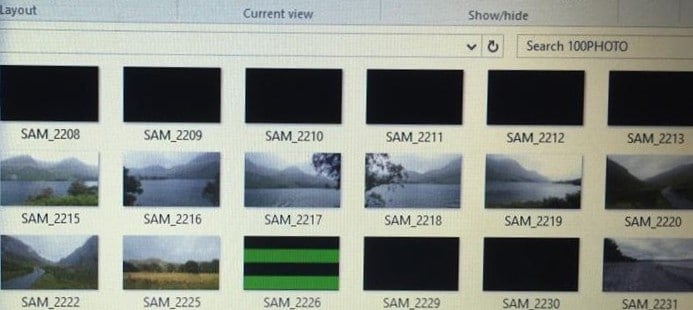
Windows keeps a copy of all of your picture, video, and document thumbnails in a cache database so they can be displayed quickly when you open a folder. Sometimes due to thumbnail cache corruption, thumbnail previews may not work for some files, for a particular icon size or for all icons sizes.
In some cases, the thumbnail for some items will appear in grayscale although the original image is a color image. Sometimes, the thumbnail quality is mediocre that you can barely recognize the item by looking at it.
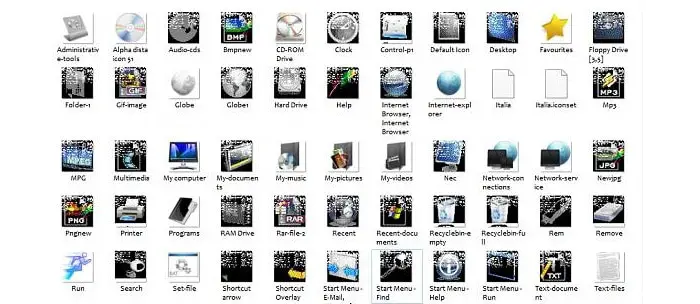
Thumbnail preview problems can be resolved by clearing the thumbnail databases and let the system rebuild it as required. To reset the thumbnail cache in Windows Vista, 7, 8 and Windows 10, use one of the methods in this article.Read more
Restore Point creation disabled by Group Policy
When you start the System Restore utility (rstrui.exe), the message System Restore has been turned off by your system administrator. To turn on System Restore, contact your system administrator.” appears.
Also when you open System Properties and select the System Protection tab, the Create button may be grayed out, and the following message is displayed.Read more
Fix for Gadgets Not Showing Correctly in Windows 7 and Windows Vista
Have you come across the problem where some of the Gadgets that you added to the Sidebar/Desktop are not displayed correctly? For example, the clock gadget may be displayed as a black square containing only the “seconds” hand. Other gadgets may show up as white rectangles with an information (i) icon and a plus sign. … Read more
OpenWithAdd 1.2 – Supports Windows Vista
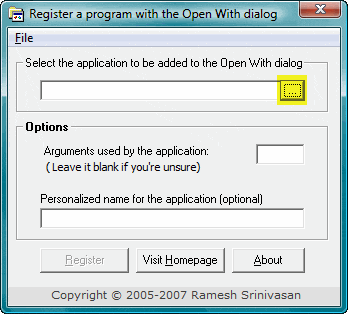
When you right-click a file and choose Open With, and click the Choose Program… option, the list of registered applications are displayed in the Open With dialog. Programs that are not already listed in the Open With dialog can be added manually using the Browse… option.
OpenWithAdd tool which I wrote, can be helpful in circumstances where, when you browse to locate an application, it does not get added to the Open With dialog. It can now (v1.2 onwards) run under Windows Vista as well. Here are some screenshots:Read more