When you open a folder containing image files in Windows Vista, the thumbnail images have a photo border by default. You can remove the photo border and add a drop shadow effect using a registry edit.Read more
Fix: Cannot View CHM Files from a Network Drive in Windows Vista
When you open a .CHM file over a network drive in a Windows XP/2003/Vista computer, the right pane may show the following message instead of displaying the topic/contents.Read more
How to Delete Old User Profile Folders Automatically in Windows
Windows includes a Group Policy setting that automatically deletes the user profile folders that are older than a specified number of days. This article applies to Pro and higher editions of Windows that have the Group Policy Editor.Read more
How to Recover Product Keys Offline from Unbootable Windows PC
There are many utilities that can find the lost Product Key of your live Windows installation, but what if the computer is completely dead and unbootable?
This post introduces some third-party utilities that can get the product keys offline (for Windows, Office, and other products) by loading the SOFTWARE registry hive on a mounted hard disk or other sources.Read more
How to Restore the Registry Hives from a System Restore Snapshot in Windows XP
This article describes how to restore the registry hives from a recent System Restore snapshot in Windows XP, in the event of registry corruption that prevents your Windows XP computer from starting. If the registry hives become corrupted, the following errors are displayed when starting up.Read more
BlockThisSite Menu Extension for Internet Explorer
Did you accidentally land on a bad site when browsing the Web? While it’s advisable to close bad websites immediately, you can quickly block that particular site before closing it so that you don’t visit that site in the future.
This can be done using the BlockThisSite Internet Explorer Menu Extension that I’ve created for Internet Explorer. The extension works by automatically adding an entry to the HOSTS file for each site you block.Read more
How to Add “Explore” to the Desktop Context Menu in Windows
This post shows how to add “Explore” to the desktop right-click menu. This tip is especially for users who hide the desktop icons for a plain desktop but want to quickly access the Desktop folder when required, without toggling the Show Desktop Icons option in the context menu.Read more
How to Straighten Slanted Photos in Windows 10 or 11
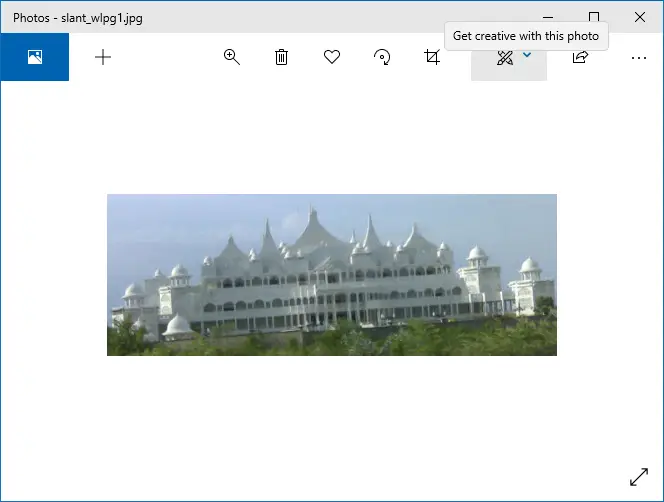
Sometimes your snaps may come up slanted, especially when you take photos while on the move. These snaps can be straightened using Photoshop or other specialized digital imaging tools. If you’re looking for a free option, then you have the built-in Photos app or Windows Live Photo Gallery (part of Windows Live Essentials).
These two free apps have an option to easily straighten skewed or crooked pictures.Read more
How to Start Task Manager As Administrator (Elevated) by Default in Window 7
Task Manager in Windows Vista and Windows 7 runs in non-elevated mode by default, showing only those processes running under the current user context. To be able to terminate or manage a process running under other user accounts, or to log off other users, you need to elevate Task Manager by clicking the Show processes from all users button in the Processes tab.Read more