The Recycle Bin context menu doesn’t have the “Pin to Quick access” context menu. However, you can still pin it to Quick access using the methods in this article. We will see how to pin Recycle Bin to Quick access manually as well as using a script.Read more
Windows
You’re browsing the “Windows” parent category, which lists articles on every Windows Operating System.
How to View Image Slideshow from Folder in Windows 11
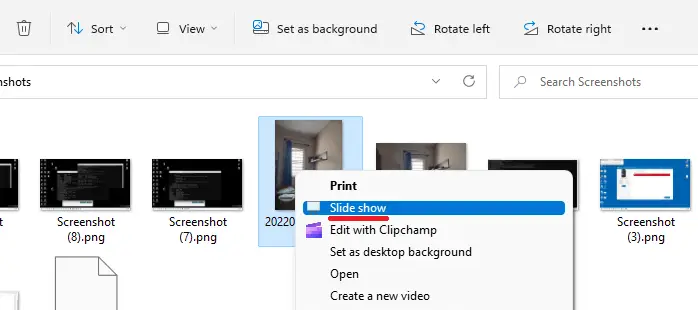
With the classic ribbon interface removed in Windows 11, the “Picture Tools” tab and the “Slideshow” button have also been removed. You may be wondering how to start a slideshow from a folder in Windows 11.Read more
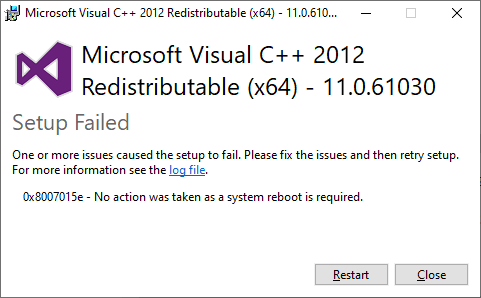
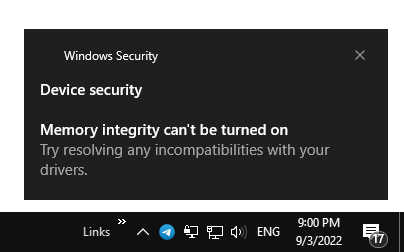
Why Can’t I Rename Files to Upper or Lowercase on USB Drives
 Here’s a user query where they’re unable to change the file name extension to lowercase from uppercase (or the other way) on external drives. For instance, the command-line to bulk change the extension (
ren *.WAV *.wav) may work on the system drive but not on an external drive.Read more
How to Customize the Contacts Folder Icon in Windows
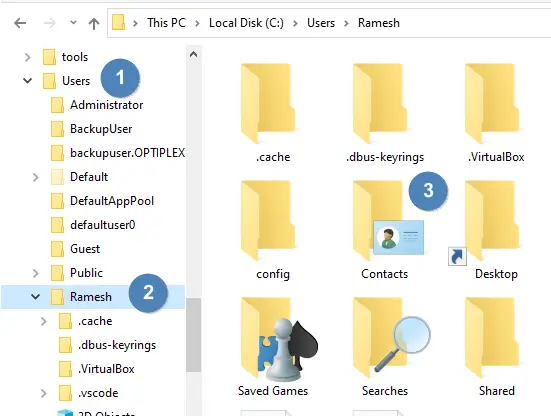
The Contacts folder is a shell folder that can be relocated like any other shell folder like Documents, Music, Pictures, etc. However, unlike other shell folders, the Contacts folder doesn’t have a “Customize” tab in the property sheet. You may be wondering how to change the Contacts folder icon.Read more
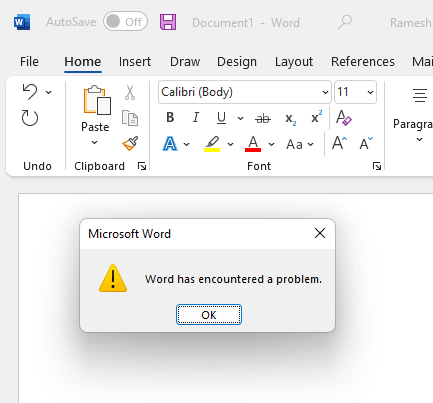
How to Restore System Image Backup in Windows 10 or 11
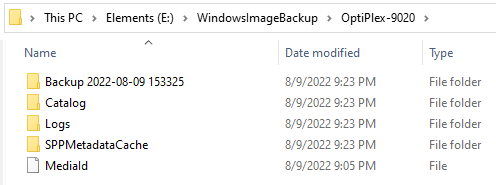
The native Backup and Restore tool in Windows 10 and 11, also known as “Windows 7 Backup and Restore Tool,” lets you backup your files and create a system image of your current Windows installation. You can access the tool from the classic Control Panel.Read more
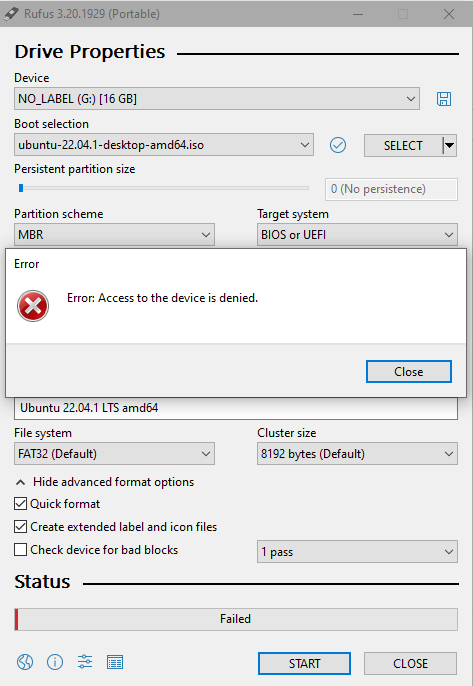
How to Disable the Undo/Redo Feature for File Operations in Windows
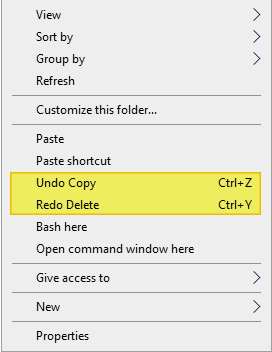
When you perform a file operation (e.g., delete, rename, copy, or move a file or folder) in Windows, you’ll see the corresponding “Undo…” option in the desktop right-click menu. One of the options, “Undo Copy”, “Undo Move”, “Undo Rename”, or “Undo Delete” is shown in the context menu.Read more