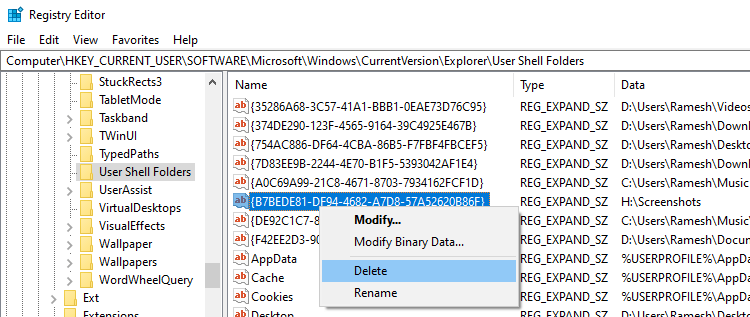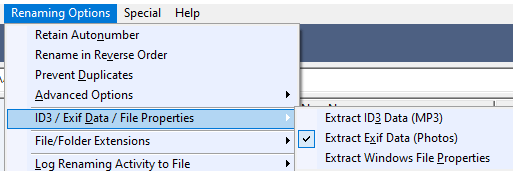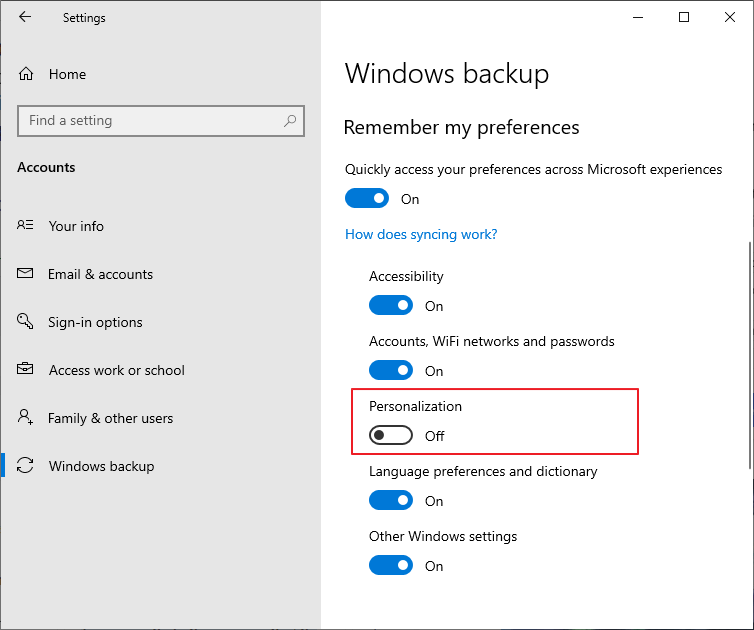
When you access Personalize in Settings and set the background to “Picture”, it immediately reverts to “Solid color”. Let’s see how to fix this issue.Read more
Metadata staging failed with Error 0x80070490 – DeviceSetupManager 131
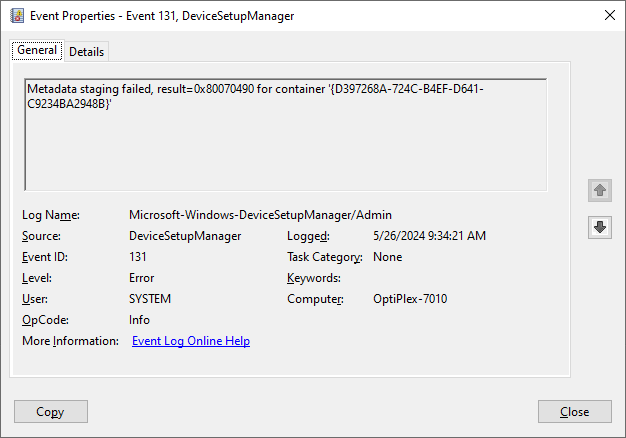
If you open the Event Viewer, the Microsoft-Windows-DeviceSetupManager/Admin event log may have hundreds of DeviceSetupManager (Event ID: 131) entries. The entries contain the following data: Metadata staging failed, result=0x80070490 for container ‘{GUID}’ (or) Metadata staging failed, result=0x800704D9 for container ‘{GUID}’ The above events are generated by the Device Setup Manager (DsmSvc) service, which enables the … Read more