How to Install a Store App package for all users

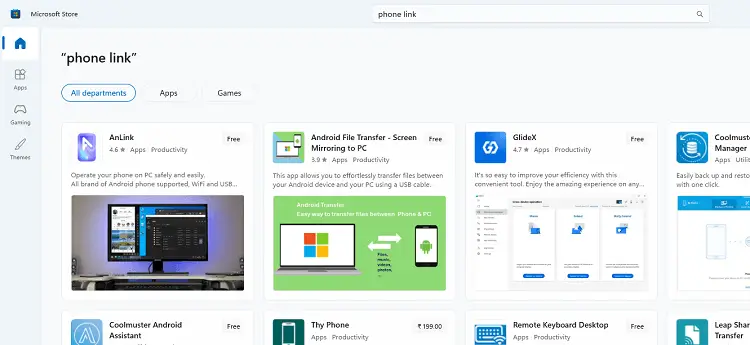
When you install a Store app package by double-clicking on the package or by running the Add-AppxPackage cmdlet in PowerShell, the package is installed for the current user only.

This article tells you how to install or provision a Store app package for all user accounts that exist on the computer and for future user accounts.Read more

How to Extend the Windows RE Partition Using PowerShell

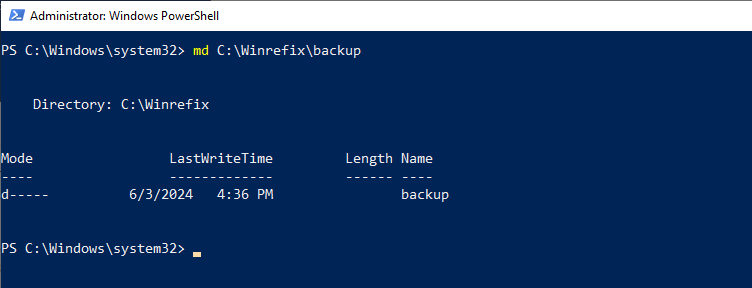
create folder - powershell

KB5034441 is a WinRE security update that patches the Winre.wim image. The Recovery partition needs 250 MB of free space for the KB5034441 update to install correctly.

Almost every Windows 10 user has been affected by the KB5034441 error 0x80070643. You can extend the Recovery partition using the diskpart command-line. However, end-users might find that command-line procedure complicated.

So, here’s a PowerShell script from Microsoft that automatically extends the Recovery partition by 250 MB.Read more

How to Refresh Thumbnails of Folder Shortcuts (.lnk)

folder shortcut thumbnails not refreshing

When you create a desktop shortcut to a folder, the folder shortcut thumbnail icon reflects what was in the folder it points to at creation. Later, when you add or remove files to the target folder, the folder thumbnails get updated dynamically, but the folder shortcut thumbnails remain the same. Even pressing F5 does not refresh the folder shortcut thumbs.

folder shortcut thumbnails not refreshing

As you may have known, you can refresh the folder shortcut thumbnails by clearing and rebuilding the thumbnail cache. But here’s a simpler script solution to refresh the folder shortcut thumbnails without rebuilding the thumbnails cache.Read more