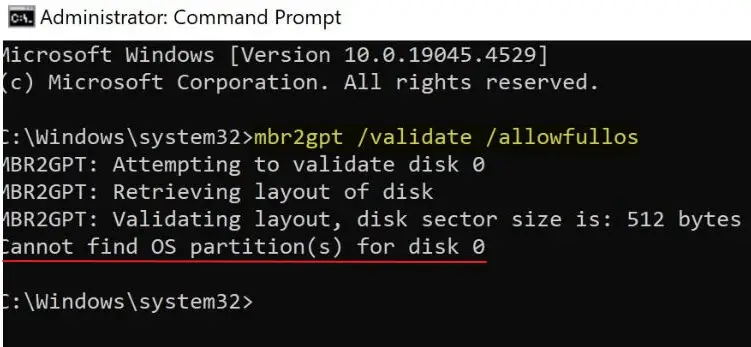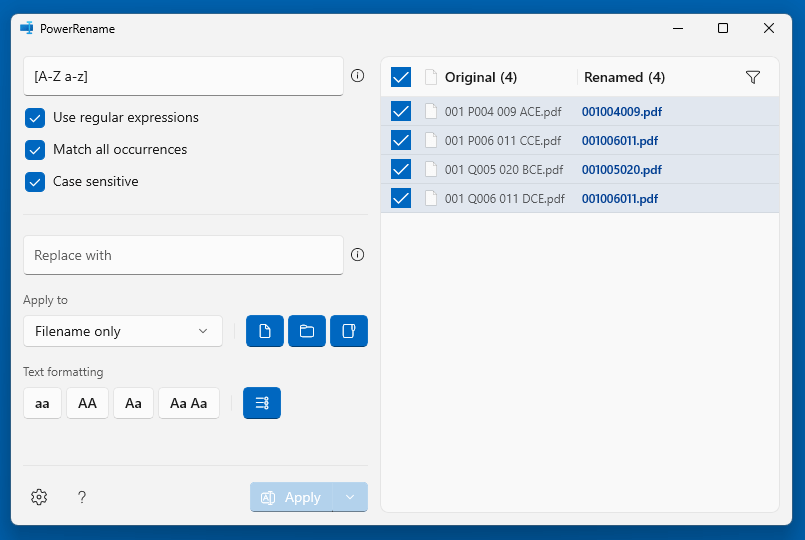
One of our readers asked how to remove non-numeric characters from file names using the Microsoft PowerToys PowerRename tool. You can accomplish the task using regex.Read more
Microsoft
You’re browsing “Microsoft” category, which is the top-most category which contains every thing related to Microsoft. Windows Operating Systems, News, Windows Update news and everything Microsoft!
Convert a Dynamic disk to Basic (using Freeware) without Losing Data

If you’ve inadvertently converted your disk to a dynamic disk using Disk Management, you can revert it to a basic disk using the built-in diskpart command. Dynamic disks have been deprecated in Windows and are no longer recommended. Here’s a Microsoft article that explains how to convert a dynamic disk to a basic.
Change a dynamic disk back to a basic disk | Microsoft Learn
However, the biggest drawback to using the built-in tools is that volumes on the dynamic disk must be deleted before converting it to basic.Read more
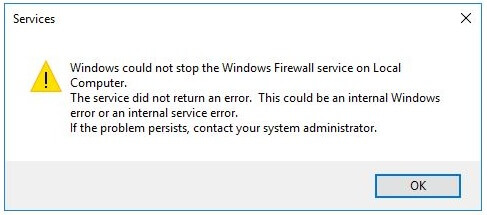
What does Yellow Exclamation on Disk Drives Mean?
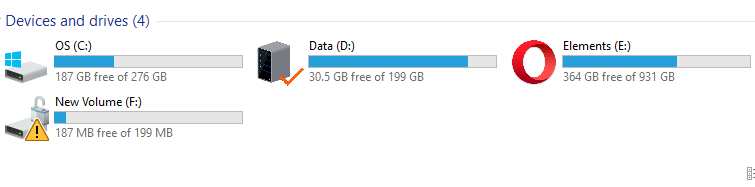
When you open This PC, one or more of your partitions may have a yellow exclamation point. You wonder if a problem with the hard drive causes this or how to remove the exclamation point icon.Read more
How to Remove “Restore Previous Versions” from Context Menu and Properties
The previous versions feature in Windows allows you to restore a previous version of files. It sources the files from Restore Points, File History, and Windows Backup. When you right-click on a file, folder, or drive, you’ll see the “Restore Previous Versions” option. This article tells you how to remove “Restore Previous Versions” from the right-click menu and the file/folder properties.Read more