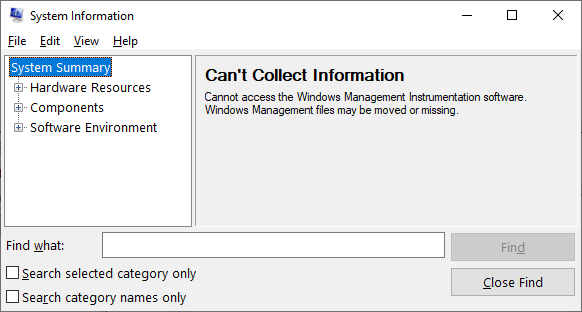
In Windows XP, the special folders, namely My Pictures, My Music, and My Videos, are present under the My Documents folder and displayed in the Windows Explorer folder pane as a sub-category under My Documents.Read more
Microsoft
You’re browsing “Microsoft” category, which is the top-most category which contains every thing related to Microsoft. Windows Operating Systems, News, Windows Update news and everything Microsoft!
How to run .BAT files invisibly, without displaying the Command Prompt window
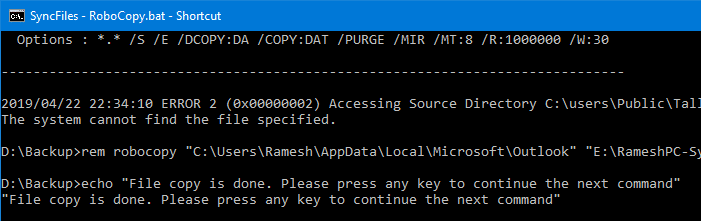
Batch files (.BAT) and Windows NT Command Script (.CMD) files run in console window when double-clicked. This means that the Command Prompt window will be visible until the .BAT or .CMD file execution is complete.
To make .BAT or .CMD file execution less intrusive, you can configure it to run minimized. Or if the .BAT or .CMD file does not require user input during run time, you can launch it in invisible mode using a Script.
The built-in Task Scheduler in Windows is capable of launching programs in hidden mode. If you don’t want to proceed via the Task Scheduler route, check out the options discussed in this article.Read more
Copy Text file Contents to Clipboard via Right-Click Menu
To copy the contents of a text-based file, you open the file in an editor such as Notepad, use Select All and then copy the contents to the clipboard. How about accomplishing it using a command in the right-click menu?Read more
Taskbar displays full path of open folders instead of the actual folder name
 When you open a folder window, Taskbar may display the full path of the folder instead of just showing the folder name. So, if you have multiple folder windows open, you may have to click around every window before you get to the right one.Read more
How to Rename the Recycle Bin in Windows
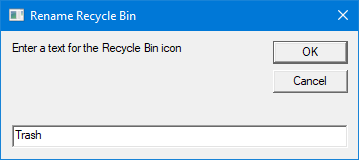
Here is a quick registry tweak or script to rename the Recycle Bin icon caption in Windows 10 and earlier.Read more
Add Select All option to the context menu in Windows
To select all files in a folder or the Desktop, you use the CTRL + A keyboard shortcut. If you’re an avid mouse user and need the select all functionality in the right-click menu in Windows, here is a registry tweak. This tweak adds the “Select All” option in the context menu for folder background and desktop. Read more
Enable and Disable Windows Firewall Quickly using Command-line
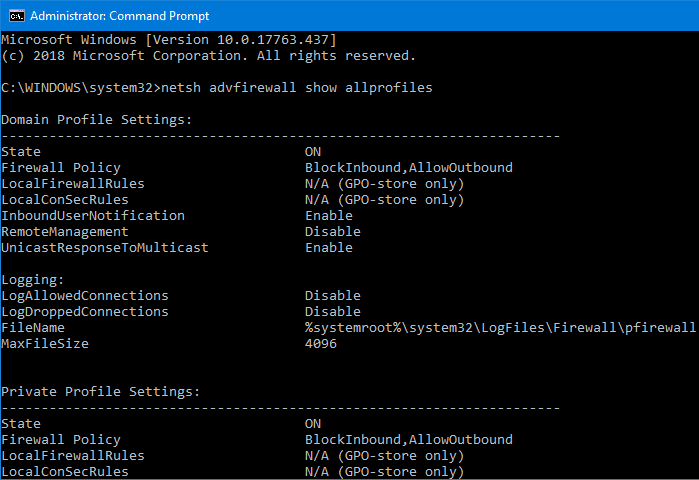
When testing network connectivity or when performing other troubleshooting tasks, you may need to turn off the Windows Firewall temporarily. To quickly disable or enable the Windows Firewall, you may use the Netsh.exe command-line in Windows 10 and Windows 8.Read more