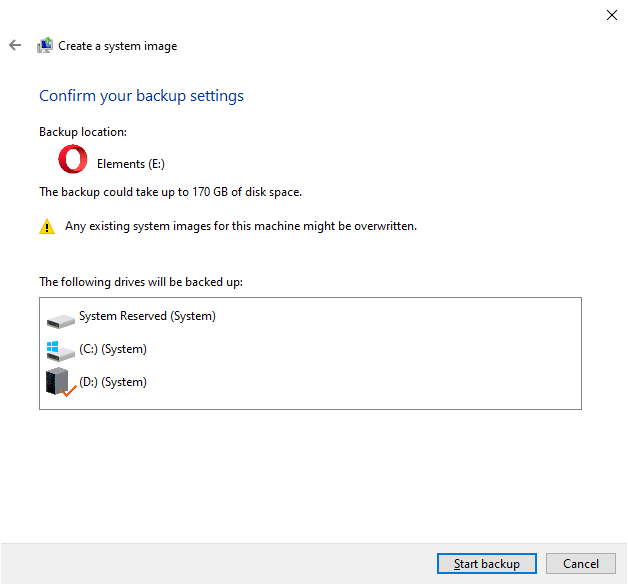
Why is my D drive included in System Image Backup
system image - secondary drive included in backup

When you create a system image using the classic “Backup and Restore (Windows 7)” tool on a computer running Windows 7, 8, 10, or 11, your non-system drive may be incorrectly shown as “System.” Also, the non-system drive may be mandatorily included in the backup, along with the EFI/System Reserved Partition and the OS partition.Read more

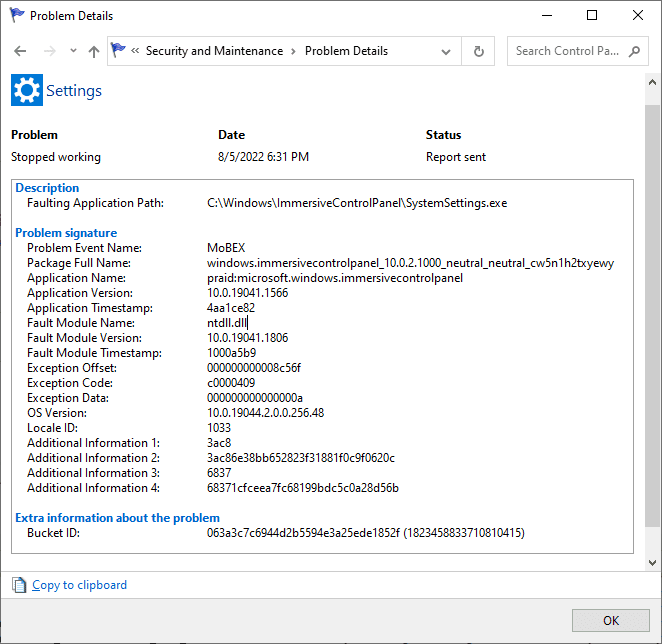
Add a Device/Printer/Scanner Flashes a Window; Settings Page Crashes

add printer scanner - error - flashes and closes

When you open Devices and Printers in Control Panel and click on the “Add a Device” or “Add a Printer” button, a new dialog flashes on the screen and closes. Also, the Control Panel applet crashes immediately.

The same happens when you open the modern Settings page and click “Add a printer or scanner.” The Settings UI crashes, and the following entry is written to the Windows Event log:Read more

Microsoft Store Error 0x8D050003; Reset-AppxPackage Error 0x80070422

error-8d050003 microsoft store

When you download apps from Microsoft Store, the error 0x8D050003 may pop up. Something unexpected happened Code 0x8D050003 Also, when you repair or reset an app via PowerShell using Reset-AppxPackage or Repair-AppxPackage commands, you may get the following errors: Reset-AppxPackage : Package could not be registered. error 0x80070422: Cannot register the request because the following … Read more

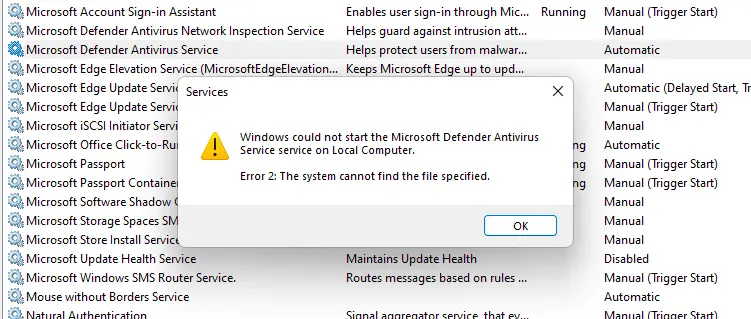
Microsoft Defender Service Error 2 “Cannot Find the File Specified”

defender service error 2

In the aftermath of a malware attack and subsequent removal using specialized programs, you may notice that the Microsoft Defender Antivirus service fails to start on your Windows 10 or 11 computer. One of the common errors users encounter is “Error 2” (0x80070002), which denotes that a file is missing.Read more

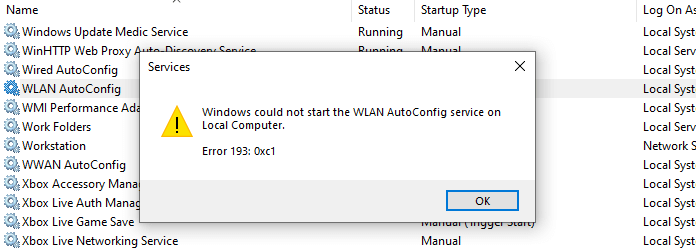
Restore Missing Windows Update (wuauserv) Service in Windows 10/11

windows update service missing in the list

The Windows Update service (wuauserv) enables the detection, download, and installation of updates for Windows and other programs. If this service is disabled, users of this computer will not be able to use Windows Update or its automatic updating feature, and programs will not be able to use the Windows Update Agent (WUA) API.Read more

Restore Missing BITS Service in Windows 10/11

The Background Intelligent Transfer Service (BITS) service transfers files in the background using idle network bandwidth. If the service is disabled, then any applications that depend on BITS, such as Windows Update, will be unable to automatically download programs and other information.

If the BITS service is missing in the Services MMC console in Windows 10/11, use the registry fix in this article to restore it.Read more