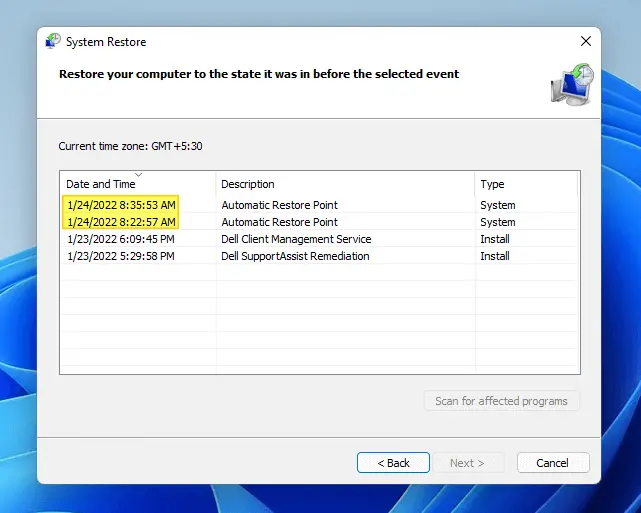
How to Create Automatic System Restore Points Daily in Windows 10/11

system restore list of restore points in windows 11 - 24 hrs frequency

This post tells you how to schedule the creation of daily System Restore point during startup or logon in all versions of Windows, including Windows 10 and Windows 11.

The first method involves a VBScript that I wrote to create restore points, and the 2nd method uses the WMI command-line tool Wmic.exe. The script method has an advantage where you can force the creation of restore point even if a previous restore point was created within the last 24 hours.Read more
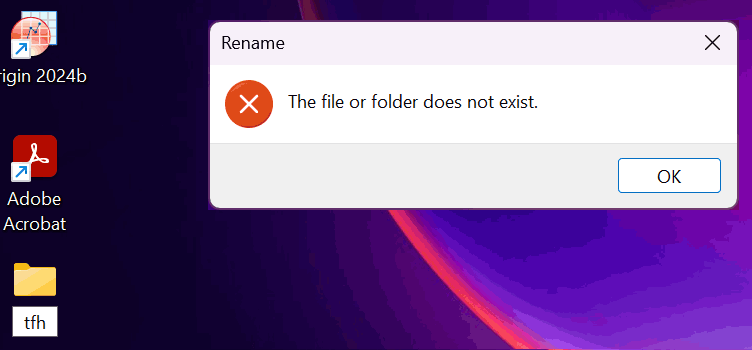
Fix: Cannot Rename or Move Folders – The File or folder does not exist

cannot rename folders - windows 11 - folderdescriptions

When you try to move or rename a folder in Windows 10 or 11, the errors Can’t find the specified file, and The file or folder does not exist occur. Also, duplicate icons with no text appear for special folders, namely Documents, Downloads, Music, Pictures, and Videos, under This PC section in File Explorer.Read more

How to Create a Custom View for System Restore Events in Event Viewer?

System Restore errors and informational events are logged in the Application event log. With hundreds of other entries added to the Application log every day, inspecting the System Restore events is time-consuming. Every time the user needs to use "Filter the current log" option to display only the System Restore entries, and then clear the filter once the entries are checked. Easier option would be to create a Custom View that lists only the System Restore entries, and this post tells you how.Read more

Folders Refresh Automatically If Desktop Slideshow and Accent Color are Enabled

If you’re noticing a problem where folder contents automatically refresh at specific intervals in Windows 10/11, this is due to the combination of the two settings, Desktop Background Slideshow (or Windows Spotlight) and “Automatically pick an accent color”.

When both options are enabled, the Windows Shell sends the refresh message to all the windows every time the wallpaper changes. This causes folders to refresh the views. The automatic folder refresh would be annoying, especially if you’re scrolling through a folder containing too many files, and after a refresh, the scroll bar moves right back to the top.Read more

[Fix] File Explorer Error Windows cannot find “” in Windows 10

When you click the File Explorer shortcut in the Taskbar or launch Explorer using WinKey + E hotkey, error “Windows cannot find “”. Make sure you typed the name correctly” may occur. This happens if you’ve disabled the Quick access feature using registry edit, and File Explorer is set to open in Quick access view … Read more

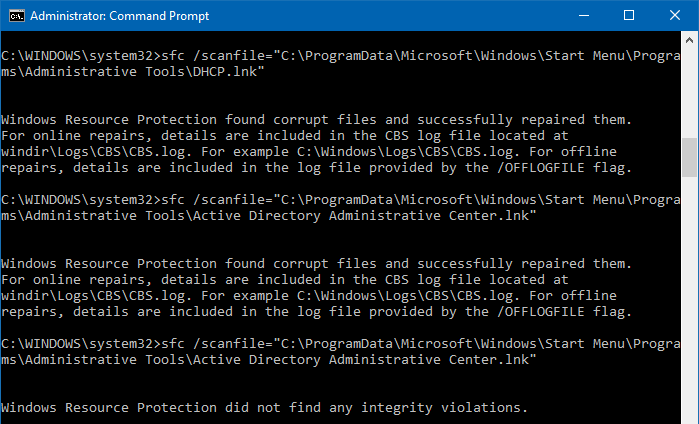
Restore Missing Administrative Tools Shortcuts in Windows 10

admin tools shortcuts sfc.

The Administrative Tools folder in the Start menu contains a list of shortcuts to launch admin tools like Perfmon, Resmon, Computer Management, Registry Editor, etc. If your Administrative Tools folder is empty, use one of these ways to restore the default shortcuts. Method 1: Restore missing shortcuts using SFC The default Administrative Tools shortcuts can be … Read more