The traditional MSI (Microsoft Installer) based installation allowed you to install or uninstall individual office products (e.g., Word, Excel, or PowerPoint). But the Office click-to-run (CTR) installations don’t allow installation choices. Click-to-Run is the technology used to install Microsoft 365, and most versions of Office 2013 and newer.Read more
Windows 11 Default Services Configuration and Permissions
The Windows 11 Services configuration defaults are provided on this page. The settings below are gathered from a Windows 11 Pro PC (clean install, rather than upgrade).
Updated on June 13, 2024 for Windows 11 Pro 23H2.
Note that some of these services may not be found in your system, depending upon the edition of Windows 11 you’ve installed. Also, you may find some non-Microsoft services (e.g., Intel services) in the list, which you may not find on your computer.
Read more
[Fix] Error “Windows Photo Viewer can’t display this picture”
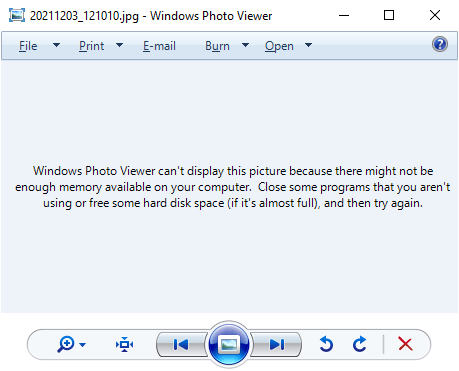
When you try to preview an image file (JPEG/PNG) using Windows Photo Viewer, the preview would be blank and the following error message is displayed:
Windows Photo Viewer can't display this picture because there might not be enough memory available on your computer. Close some programs that you aren't using or free some hard disk space (if it's almost full), and then try again.
It’s a misleading error message, as in most cases, it may not have anything to do with the system memory. The Windows Photo Viewer error is caused due to color profile metadata (ICC_Profile) embedded into the JPG image(s).
(You can reproduce the issue by transferring images from your Android/iOS mobile and previewing the image using Windows Photo Viewer on your computer. Another possibility is that your system has multiple video cards and the issue happens on the secondary graphics card only. Switching over to the primary video card may resolve the error.)
However, other utilities like IrfanView, GIMP, or the built-in/modern Photos app would be able to open the image correctly. This issue is limited to Windows Photo Viewer (and perhaps Windows Live Photo Gallery) only.Read more
How to Recover Deleted Files Using Windows File Recovery (WFR)
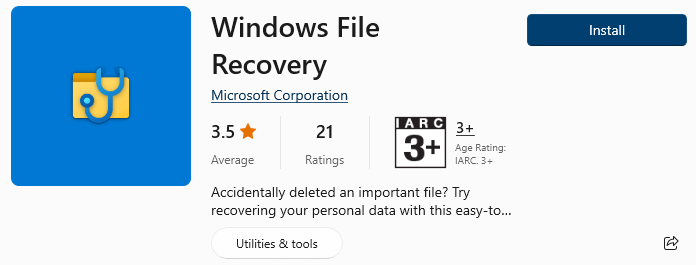
Did you accidentally delete an important file? Have you wiped clean your hard drive? Unsure of what to do with corrupted data? Windows File Recovery can help recover your personal data.
Windows File Recovery (WFR) is a command-line app from Microsoft. It can help you recover lost files deleted from your local storage device (including internal drives, external drives, and USB devices) that cannot be restored from the Recycle Bin.Read more
“Turn on fast startup” option missing in Windows 11/10
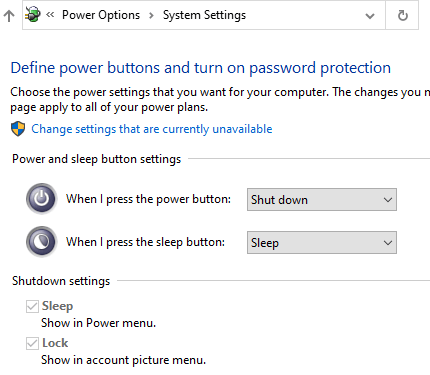
Fast Startup is a feature in Windows 8/10/11 that speeds up the boot process significantly. With the Fast Startup feature enabled, when the user shuts down the computer, what happens under the hood is a hybrid shutdown sequence.
However, on some computers, the Fast Startup and Hibernate features will be missing. When you open Power Options in the classic Control Panel, the “Turn on fast startup (recommended)” option may be missing.Read more