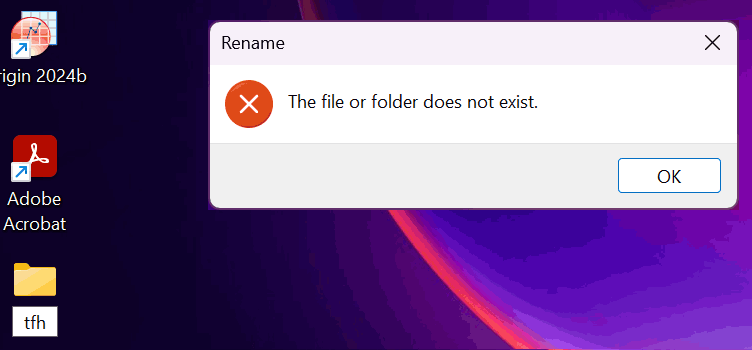
When you try to move or rename a folder in Windows 10 or 11, the errors Can’t find the specified file, and The file or folder does not exist occur. Also, duplicate icons with no text appear for special folders, namely Documents, Downloads, Music, Pictures, and Videos, under This PC section in File Explorer.Read more
Windows
You’re browsing the “Windows” parent category, which lists articles on every Windows Operating System.
How to Delete Unused or Duplicate Wi-Fi Network Profiles in Windows?
Sometimes, duplicate Wi-Fi network profiles or SSIDs may appear all of a sudden with suffix 2, 3, and so forth, in the list of available Wi-Fi networks, all pointing to the same SSID. This post tells you how to remove the redundant Wi-Fi network connections or connections that you added some time ago but are no longer in use.Read more
How to Create a Custom View for System Restore Events in Event Viewer?
System Restore errors and informational events are logged in the Application event log. With hundreds of other entries added to the Application log every day, inspecting the System Restore events is time-consuming. Every time the user needs to use "Filter the current log" option to display only the System Restore entries, and then clear the filter once the entries are checked. Easier option would be to create a Custom View that lists only the System Restore entries, and this post tells you how.Read more
Folders Refresh Automatically If Desktop Slideshow and Accent Color are Enabled
If you’re noticing a problem where folder contents automatically refresh at specific intervals in Windows 10/11, this is due to the combination of the two settings, Desktop Background Slideshow (or Windows Spotlight) and “Automatically pick an accent color”.
When both options are enabled, the Windows Shell sends the refresh message to all the windows every time the wallpaper changes. This causes folders to refresh the views. The automatic folder refresh would be annoying, especially if you’re scrolling through a folder containing too many files, and after a refresh, the scroll bar moves right back to the top.Read more
“Windows Update Configured to never install drivers” Detected by Troubleshooter
The Hardware and Devices troubleshooter in the Control Panel may show "Windows Update Configured to never install drivers – Detected" in the detailed report, and that the troubleshooter couldn’t fix it. You may be wondering which exact setting the troubleshooter is referring to.Read more
How to Assign HotKeys for Windows 10 Start Menu Shortcuts
Here is a quick tip for users who’ve just upgraded to Windows 10 and wondering how to assign shortcut keys for Start menu shortcuts in All apps, as well as for Pinned items.Read more
Restore Missing Administrative Tools Shortcuts in Windows 10
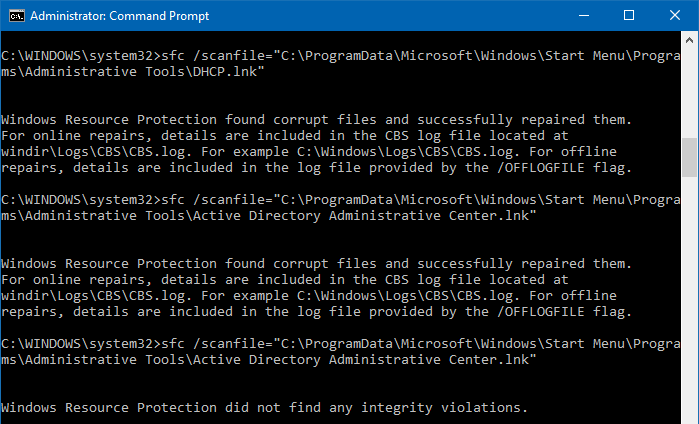
The Administrative Tools folder in the Start menu contains a list of shortcuts to launch admin tools like Perfmon, Resmon, Computer Management, Registry Editor, etc. If your Administrative Tools folder is empty, use one of these ways to restore the default shortcuts. Method 1: Restore missing shortcuts using SFC The default Administrative Tools shortcuts can be … Read more
Windows Search Not Finding PDF Files Created Using “Microsoft Print to PDF”
If you’re wondering why your PDF files created using Microsoft Print to PDF driver aren’t indexed by Windows Search and not appearing in Search results, here is why it happens.Read more
Windows Update Button Missing in Add Printer Dialog (Policies)
If the Windows Update button is missing in the Add a Printer wizard, this means that one or more Windows Update Policies are set in the system. If the system is part of a domain, Group Policies may have been applied. If you’re a home user and no domain Group Policies apply, checking the registry … Read more