Summary: This article explains the various methods to view the permissions for any Service in Windows. It also covers the tools and methods to modify the service permissions easily.
Just as file system objects and registry keys have permissions, each service in Windows can have a set of permissions. The permission entries for a service determine who can stop the service, query its status, change the startup type, modify the service configuration, or delete the service.
You may have observed that the Start, Stop, and the Startup type controls are grayed out for some services, even when you’re logged in as an administrator.
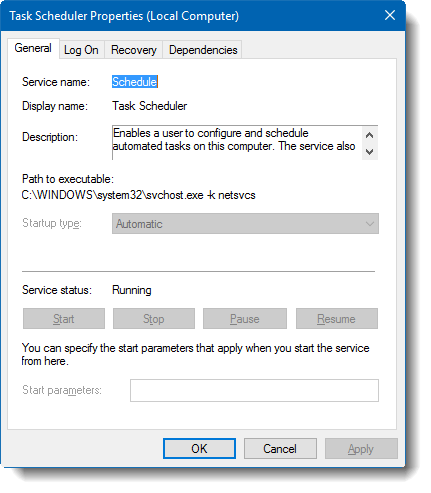
And if you attempt to stop the Task Scheduler service from admin Command Prompt, you’ll get the following error message:
System error 5 has occurred.

Access is denied
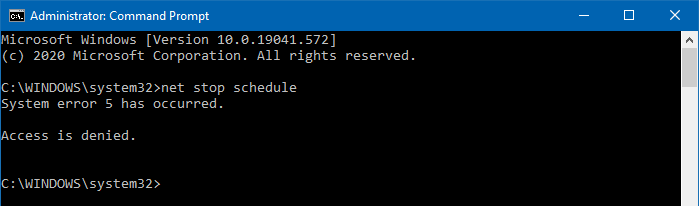
This is because the Task Scheduler service permissions are pre-configured such that even the administrators can’t control this particular service.
In this article, we’ll see how to view service permissions and modify them if needed.