Register Firefox Portable with Default Apps or Default Programs in Windows

Firefox logo

Firefox logoMozilla Firefox®, Portable Edition is the popular Mozilla Firefox web browser bundled with a PortableApps.com Launcher as a portable app, so you can take your bookmarks, extensions, and saved passwords with you.

This article lists two methods with which you can register Mozilla Firefox Portable Edition with Default Apps or Default Programs in Windows Vista through Windows 10/11.Read more
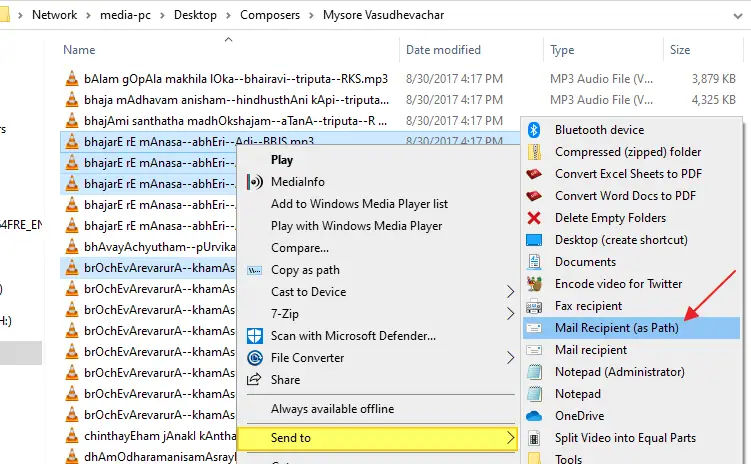
How to Email File Paths via the Send To menu

email file path context menu

Let’s assume you’re working in the training department of a firm and need to send training materials to recruits regularly. The usual way is to right-click on the file, click Send To, and click Mail Recipient. This attaches the file to the compose window in your mail client.

How about saving bandwidth on your local network by sending the target path of documents (in a network share) instead of attaching them to mail?Read more

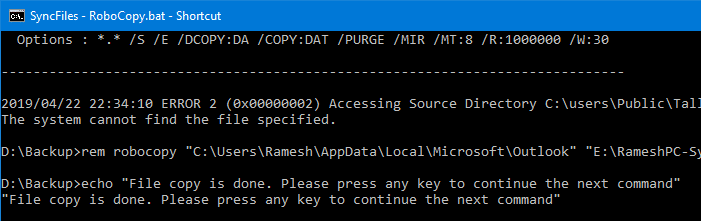
How to run .BAT files invisibly, without displaying the Command Prompt window

run batch file hidden or invisible mode

Batch files (.BAT) and Windows NT Command Script (.CMD) files run in console window when double-clicked. This means that the Command Prompt window will be visible until the .BAT or .CMD file execution is complete.

run batch file hidden or invisible mode

To make .BAT or .CMD file execution less intrusive, you can configure it to run minimized. Or if the .BAT or .CMD file does not require user input during run time, you can launch it in invisible mode using a Script.

The built-in Task Scheduler in Windows is capable of launching programs in hidden mode. If you don’t want to proceed via the Task Scheduler route, check out the options discussed in this article.Read more

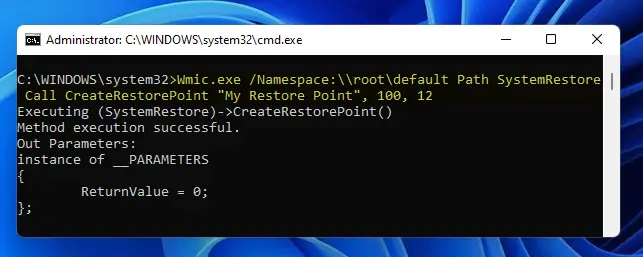
How to Create System Restore Points using Script or Command-Line

create restore point wmic.exe

System Restore is a valuable feature in Windows that helps you easily recover the system in the event of any misconfiguration. If you’ve been using the System Restore feature regularly, then you need to know how to create System Restore Points with a single click using the command-line. You can also do this by scripting it using WMI or PowerShell.

This article discusses some methods to quickly create a System Restore point in a single click in Windows 11, Windows 10, and earlier Operating Systems.Read more

How to Add “Open File Location” Right-Click Option in Windows XP

Windows Vista and Windows 7 include the Open file location context menu item for Shortcuts, which helps you quickly open the target folder of a shortcut. In Windows XP, it takes four mouse clicks to accomplish the task.

To open the target folder of a shortcut in Windows XP, you need to right-click on the shortcut file, click Properties and click the Find Target button to open the parent folder of the target file or folder. And an additional mouse click is needed to close the Shortcut Properties dialog.Read more

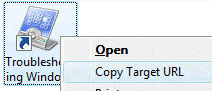
How to Copy Address of a Internet Shortcut (.URL) via Right-click Menu

add "copy target url" context menu option for internet shortcuts

The Copy as Path command in the right-click menu is an extremely useful one to quickly copy the full path of a file or folder to clipboard. Similarly, for internet shortcut (.url) files, here is a script that lets you copy the web address (URL) of a internet shortcut, via the right-click menu.

After following the steps in this article, you’ll see a Copy Target URL context menu option when you right-click on an Internet Shortcut (.URL) file. Clicking this option copies the shortcut’s Web address to the Windows clipboard.Read more

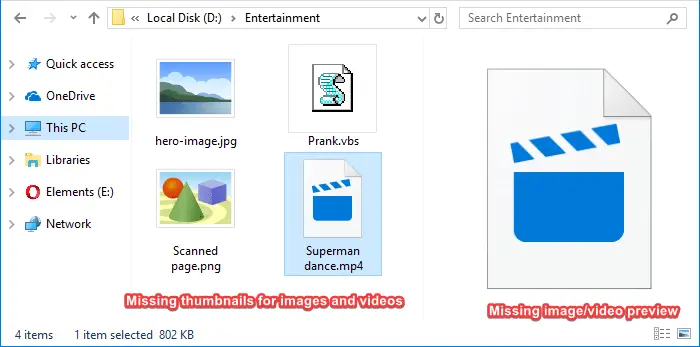
How to Rebuild Icon Cache in Windows 10 or 11

We may face the icon cache corruption issue sometimes in Windows 10/11 and earlier OS. The icon cache corruption causes the wrong icons to show up for certain programs or in certain areas of the Windows shell, or no icons at all. For example, your pinned taskbar shortcuts may show up with the wrong icon.Read more