The WinKey + E keystroke, as well as the File Explorer shortcut on the taskbar, open Quick access view by default. You can change the default folder to This PC using Folder Options General tab, or make it open to the Downloads folder using a registry method.
But, how to make Windows 10’s File Explorer default to a custom folder or the Libraries section?
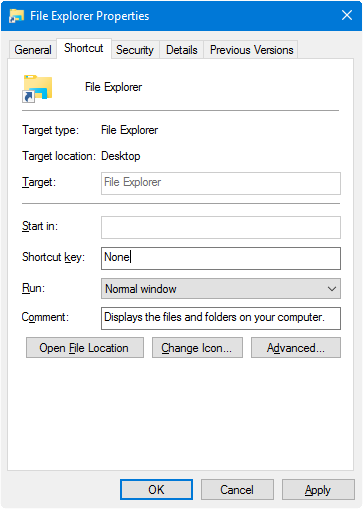
The user interface provides no option to set a custom destination for WinKey + E keystroke or the File Explorer pinned taskbar item. As you may have noticed, the File Explorer Pinned taskbar shortcut target can’t be modified via Properties, as it’s a special shortcut with the Target field grayed out or read-only.
However, you change the WinKey + E or the File Explorer shortcut target using a registry edit without breaking any other setting.Read more