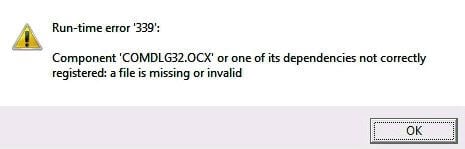
The comdlg32.ocx module is used by classic Visual Basic programs. This ActiveX control is responsible for the functionality of common dialog boxes in your VB application. Common dialog boxes include the Open and Save As file dialog boxes; the Find and Replace editing dialog boxes; the Print, Print Setup, Page Setup printing dialog boxes, etc.Read more
Windows
You’re browsing the “Windows” parent category, which lists articles on every Windows Operating System.
How to Recover Deleted Files Using Windows File Recovery (WFR)
Did you accidentally delete an important file? Have you wiped clean your hard drive? Unsure of what to do with corrupted data? Windows File Recovery can help recover your personal data.
Windows File Recovery (WFR) is a command-line app from Microsoft. It can help you recover lost files deleted from your local storage device (including internal drives, external drives, and USB devices) that cannot be restored from the Recycle Bin.Read more
“Turn on fast startup” option missing in Windows 11/10
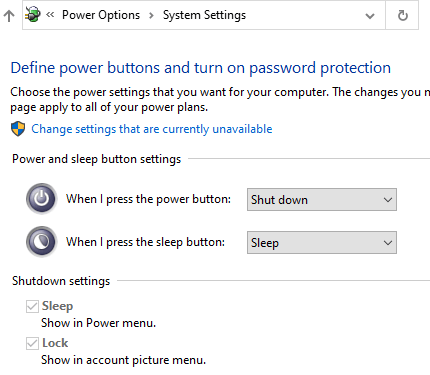
Fast Startup is a feature in Windows 8/10/11 that speeds up the boot process significantly. With the Fast Startup feature enabled, when the user shuts down the computer, what happens under the hood is a hybrid shutdown sequence.
However, on some computers, the Fast Startup and Hibernate features will be missing. When you open Power Options in the classic Control Panel, the “Turn on fast startup (recommended)” option may be missing.Read more
How to Disable Preview for Certain File Types in Explorer Preview Pane
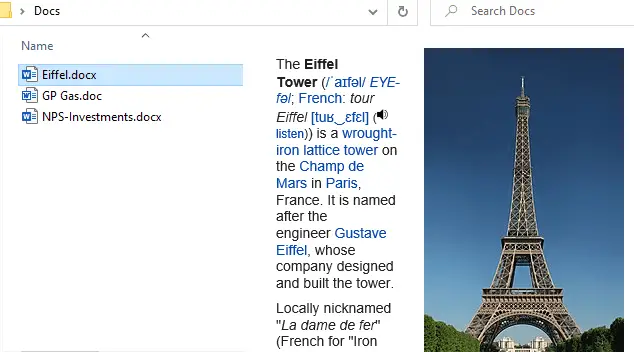
The preview pane in File Explorer shows you the preview for various file types in Windows 10 and Windows 11. Windows comes with a built-in set of preview handlers. In addition, third-party applications add their own handlers that can generate previews for their proprietary file types.
Windows allows you to turn on or off previews by enabling or disabling “Show preview handlers in preview pane” in Folder Options.
You may want to disable preview generation for a specific file type to improve performance. But, there is no built-in setting to disable preview generation (in the preview pane) for chosen file types. However, there is a handy tool that can accomplish the task.
This article tells you how to disable preview for certain file types in the Explorer preview pane.Read more
How to Automatically Login to your Account in Windows 11 and Earlier
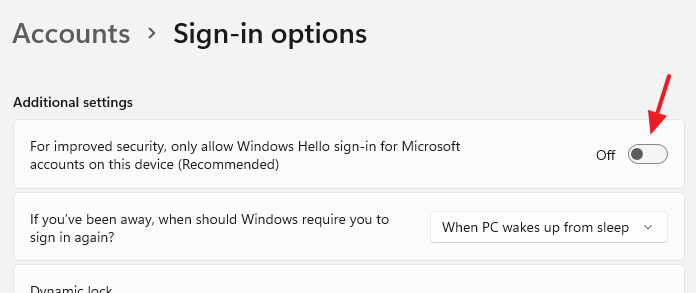
Every version of Windows, from Windows 2000 to Windows 11, allows you to automatically log in to your user account without typing the password. This is possible by securely storing the user account credentials using the Netplwiz.exe utility.
However, on Windows 10 and Windows 11, some more steps are necessary to enable automatic sign-in to your user account using stored credentials.Read more
How to Reinstall Windows Terminal in Windows 11
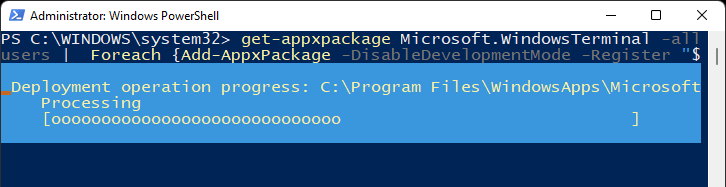
Windows Terminal is a modern terminal application for users of command-line tools and shells like Command Prompt, PowerShell, and Windows Subsystem for Linux (WSL). If you’ve uninstalled the Windows Terminal app in Windows 11 accidentally and need it back, you can reinstall the app using a couple of methods.Read more