“Resource $(string.RequirePrivateStoreOnly)” Error After installing KB3147458

After installing the April Cumulative Update KB3147458, the following error may pop up when opening the Group Policy Editor.

Resource ‘$(string.RequirePrivateStoreOnly)’ referenced in attribute displayName could not be found.

File C:\WINDOWS\PolicyDefinitions\WindowsStore.admx, line 140, column 9

Although dismissing the error messages (occurs twice) should allow you to use the Group Policy Editor, the “Store” category may be missing from Windows Components, under Computer Configuration and User Configuration.Read more
Error “Windows cannot find wuapp.exe” And its Workaround in Windows 10

In Windows 10, when you click Windows Update from the Tools menu in Internet Explorer, the error “Windows cannot find wuapp.exe” occurs. This is because the file wuapp.exe, Windows Update page launcher tool that existed in earlier versions of Windows has been removed in Windows 10; but Internet Explorer 11 still references this file.Read more

Fix: Cannot Rename or Move Folders – The File or folder does not exist

cannot rename folders - windows 11 - folderdescriptions

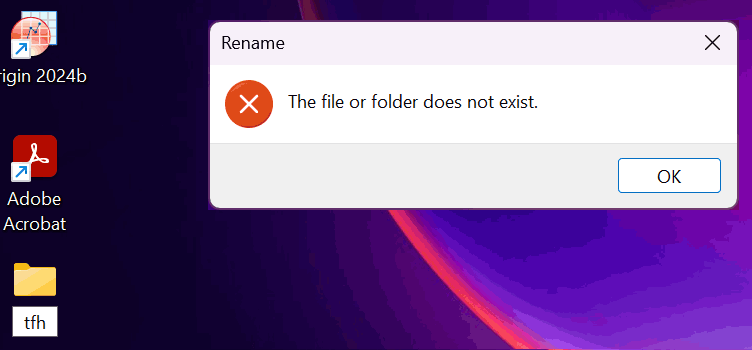
When you try to move or rename a folder in Windows 10 or 11, the errors Can’t find the specified file, and The file or folder does not exist occur. Also, duplicate icons with no text appear for special folders, namely Documents, Downloads, Music, Pictures, and Videos, under This PC section in File Explorer.Read more

[Fix] File Explorer Error Windows cannot find “” in Windows 10

When you click the File Explorer shortcut in the Taskbar or launch Explorer using WinKey + E hotkey, error “Windows cannot find “”. Make sure you typed the name correctly” may occur. This happens if you’ve disabled the Quick access feature using registry edit, and File Explorer is set to open in Quick access view … Read more

“This App has Been Blocked for Your Protection” in Windows 10

When running the installer or setup file for a program, Windows 10 may display the message “This App has Been Blocked for Your Protection” and prevent the file from running. This is done for some very valid reasons. Windows 10 has set some strict guidelines for Windows Desktop Apps certification requirements, and if the application you’re trying to install doesn’t clear some of important checklists, the User Account Control blocks the app from installing.Read more

Fix Open with “Choose another app” Error Program Not Associated

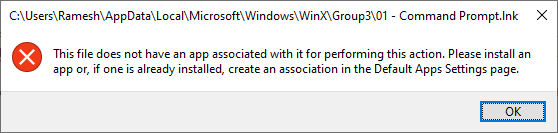
When you right-click a file, and select Open with… in a Windows 10/11 computer, the following error may appear:

This file does not have a program associated with it for performing this action. Please install a program or, if one is already installed, create an association in the Default Programs control panel.

Read more