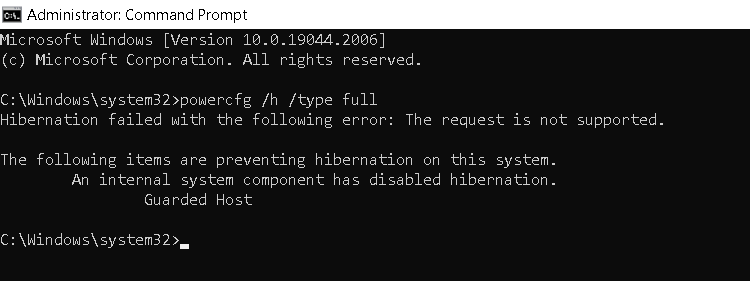
If the hibernate option is missing in the Shutdown flyout in the Start menu, the feature may have been turned off or disabled by an internal component. If you enable hibernation using the powercfg /h on command or configure hibernation using the powercfg /h /type full command, the following error may occur:
Hibernation failed with the following error: The request is not supported.

The following items are preventing hibernation on this system.
        An internal system component has disabled hibernation.
                Guarded Host
Resolution
The Guarded Host feature is required if you want to run Shielded Hyper-V VMs. If you don’t need Guarded Host, you can uninstall it using Windows Features.
- Launch optionalfeatures.exe.
- Uncheck Guarded Host.
- Click OK, and restart Windows.
See if you can enable Hibernation using the following command from admin Command Prompt:
powercfg /h on
That should restore the hibernation feature.
One small request: If you liked this post, please share this?
One "tiny" share from you would seriously help a lot with the growth of this blog. Some great suggestions:- Pin it!
- Share it to your favorite blog + Facebook, Reddit
- Tweet it!
