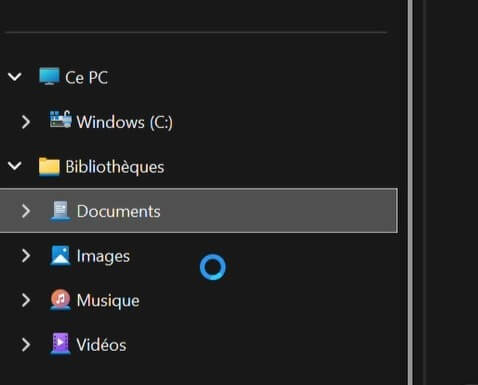
When you select a library in the left pane of File Explorer in Windows 10 or 11, the cursor turns into a blue circle, and File Explorer freezes. Deleting the libraries and restoring the default libraries does not resolve the issue.
Cause
The above issue happens if the Windows Search index is oversized. Resetting the index should fix the problem in most cases.
Resolution
To resolve the issue, reset and rebuild the Windows Search index.
For more information, please read the article How to Reset & Rebuild Windows Search Index Completely. In that article, see the section “Manually Reset Windows Search and Rebuild the Index“.
Once done, restart Windows and see if the libraries open correctly.
Additional note
The above steps reset the indexed locations to default settings and rebuild the search index from scratch. You can check the status of the indexing operation by opening Indexing Options. To open Indexing Options, run the command:
control srchadmin.dll
Rebuilding the index from scratch consumes a significant amount of CPU resources. Indexing will be faster when the system is left idle.
One small request: If you liked this post, please share this?
One "tiny" share from you would seriously help a lot with the growth of this blog. Some great suggestions:- Pin it!
- Share it to your favorite blog + Facebook, Reddit
- Tweet it!
