When you right-click on the desktop and click New, the Compressed (zipped) Folder option may be missing.
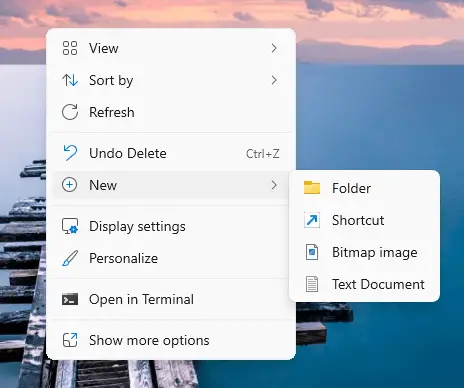
The Send to → Compressed (zipped) Folder option may still work.
Resolution
To bring back the Compressed (zipped) Folder option to the New menu, fix the .zip file type association. Please do the following.
- Download one of the following files:
- zip_fix_w11.reg (for Windows 11)
- zip_fix_w10.reg (for Windows 10)
- Double-click the downloaded REG file.
- Click Yes to confirm. You should see the following message:
The keys and values contained in [filename.reg] have been successfully added to the registry.
- Log off and log back in to your account.
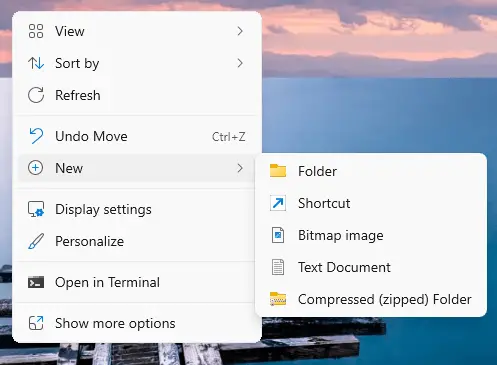
The Compressed (zipped) Folder entry should now appear in the New menu.
Note: The above REG files contain the default registry settings for the following keys:
HKEY_CLASSES_ROOT\.Zip
HKEY_CLASSES_ROOT\CompressedFolder
One small request: If you liked this post, please share this?
One "tiny" share from you would seriously help a lot with the growth of this blog. Some great suggestions:- Pin it!
- Share it to your favorite blog + Facebook, Reddit
- Tweet it!
