To copy the contents of a text-based file, you open the file in an editor such as Notepad, use Select All and then copy the contents to the clipboard. How about accomplishing it using a command in the right-click menu?Read more
Month: July 2008
Taskbar displays full path of open folders instead of the actual folder name
 When you open a folder window, Taskbar may display the full path of the folder instead of just showing the folder name. So, if you have multiple folder windows open, you may have to click around every window before you get to the right one.Read more
How to Rename the Recycle Bin in Windows
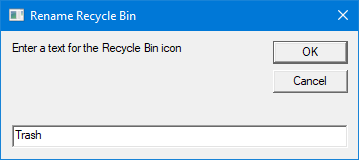
Here is a quick registry tweak or script to rename the Recycle Bin icon caption in Windows 10 and earlier.Read more