When you open a .zip file (compressed folder) in Windows and attempt to extract or copy its contents to a folder, the error 0x80004005 (“Unspecified error”) may appear. Here is the full error message verbatim:
An unexpected error is keeping you from copying the file. If you continue to receive this error, you can use the error code to search for help with this problem.
Error 0x80004005: Unspecified error
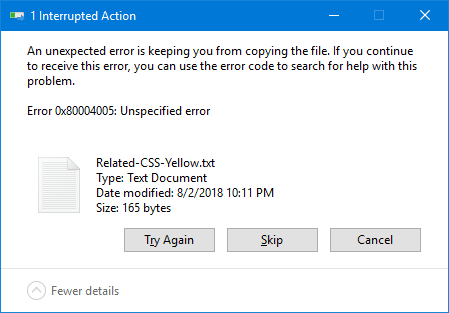
And, if you double-click a file inside the .zip archive to open it directly without extracting it first, you’ll see this error message:
Compressed (zipped) Folders Error
Windows cannot complete the extraction.
The destination file could not be created.
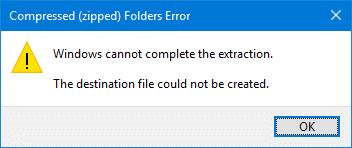
This article explains what causes the error 0x80004005 when copying or extracting Zip archives, and how to work around it.
Cause
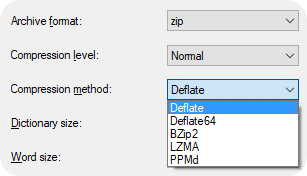 The above error messages appear if the .zip file is compressed or encrypted using an algorithm that Windows doesn’t support. Windows supports Deflate, Deflate64 compression methods.
If the .zip file was originally compressed using BZip2, LZMA, PPMd, or any other mechanism, the Windows default compressed files handler will throw the error 0x80004005 as it doesn’t know how to unpack those files.
Likewise, Windows 11 (and earlier systems) doesn’t support the AES-256 encryption method. Attempting to open an AES-256 encrypted password-protected file in Windows would cause the error code 0x80004005 or the error message Windows cannot complete the extraction. Windows supports ZipCrypto & AES-128 encryption methods, though.
Find the Encryption and Compression methods used in a file
To determine which encryption and compression methods were used for a .zip file, open that file using 7-Zip. If 7-Zip opens the archive, right-click on a file inside the archive and click Properties.
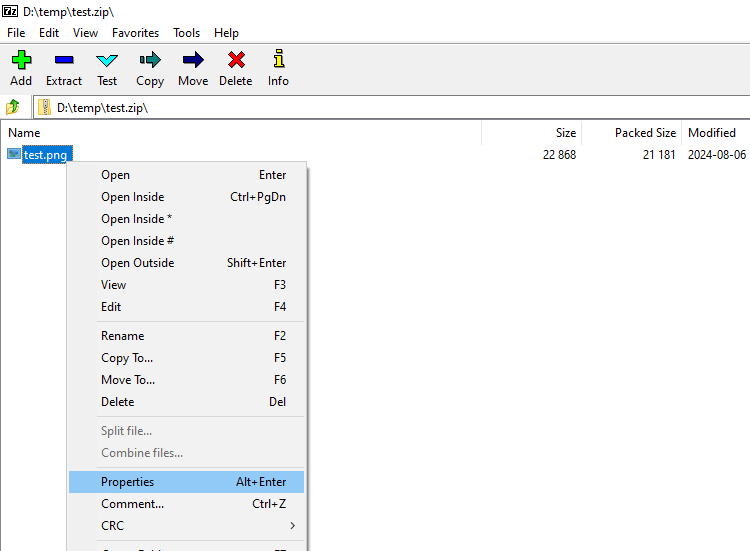
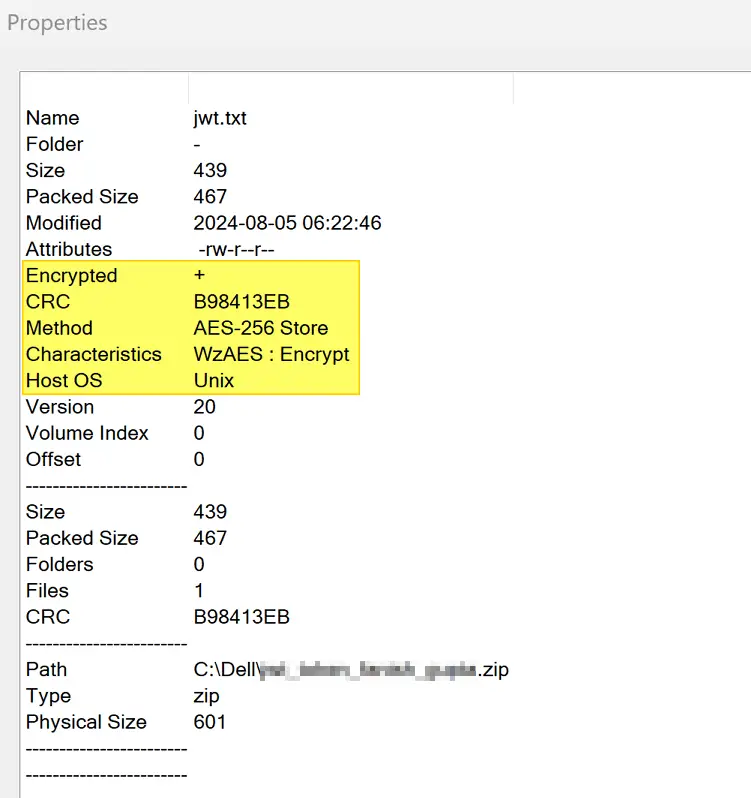
The resulting dialog shows the encryption algorithm and the compression method used.
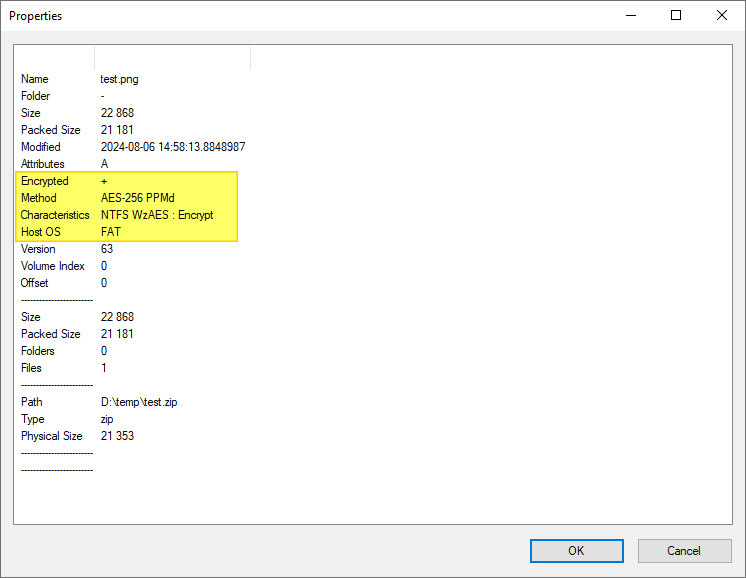
In the above example, the file was encrypted using AES-256 and compressed using PPMd.
In the following example, the file was created from a Unix machine using the encryption method AES-256 and the compression method Store.
Workaround for Zip Files Error 0x80004005
 If you’re using Windows default .zip (compressed folder) handler to view or extract compressed files and facing the error
 0x80004005, then you’ll need to use a third-party archive tool like 7-Zip, WinRar, WinZip, or PeaZip to open that file.
Those third-party tools support different compression and encryption methods, and you should be able to extract the files successfully.
If none of the above-mentioned software can open a .zip file, it could indicate that the .zip file is corrupted. You may download the .zip file again and try again.
One small request: If you liked this post, please share this?
One "tiny" share from you would seriously help a lot with the growth of this blog. Some great suggestions:- Pin it!
- Share it to your favorite blog + Facebook, Reddit
- Tweet it!

Thanks for this, this helped me make sense of the zip issue that was driving me nuts.
Excellent Solution.
what if I just want to copy it from a thumb drive to a disc just to save it?
Thank you!
Thanks so much
Error 0x80004005 when using windows zip extractor,
CRC Failed error when usin winrar & 7-zip…
how i extract that file…???
Can’t thank you enough!
Tnx! EAS-128 seems also not to work in all Windows version (Legacy only).
Thanks brother.This problem was bothering me too much.You saved me hours of time. I used 7 Zip.You posted very helpful solution.I really appreciate you.
Bravo – you nailed it. I was using AES-256. You would think if you downloaded the Windows version, AES-256 would be unavailable.
Thank you .. it’s solve my problem..
Thank you very much. It worked.