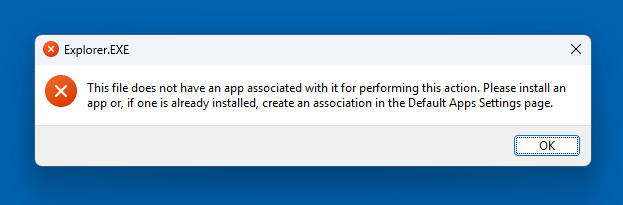
When you right-click on a shortcut on the desktop or Start menu and choose Open file location, the following error may occur:
Explorer.EXE

This file does not have an app associated with it for performing this action. Please install an app or, if one is already installed, create an association in the Default Apps Settings page.
Cause
The above error occurs if the folder association settings in the following branch are incorrect.
HKEY_CLASSES_ROOT\Folder
Resolution
To resolve the Explorer.exe error when clicking Open file location, please apply the folder association registry fix below.
Please download the following REG file.
- folder_fix_windows_10.reg (for Windows 10)
- folder_fix_windows_11.reg (for Windows 11)
Double-click the file to run it. Click Yes to confirm.
Log off and log in again to your user account.
That should resolve the issue.
One small request: If you liked this post, please share this?
One "tiny" share from you would seriously help a lot with the growth of this blog. Some great suggestions:- Pin it!
- Share it to your favorite blog + Facebook, Reddit
- Tweet it!
