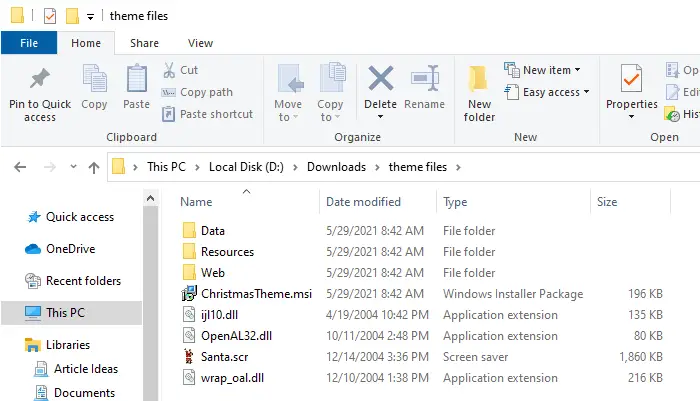
There are situations when you need to pick a single file from a .msi package without going through the installation phase. One good example is that a stand-alone or portable application wrapped in a .msi package. Or, you may need to extract a particular wallpaper image from a theme installer.
In that case, you can avoid running the setup and extract the contents of the .msi package manually. Thus there won’t be a need for a System Restore point, the addition of several registry keys, and a few temporary directories (which would be the case if you run the setup).
No third-party tools are needed; you can do this using the Windows Installer executable msiexec.exe command-line.Read more