Archive for August, 2007

How to Clear the Thumbnail Cache in Windows 7 and Windows Vista

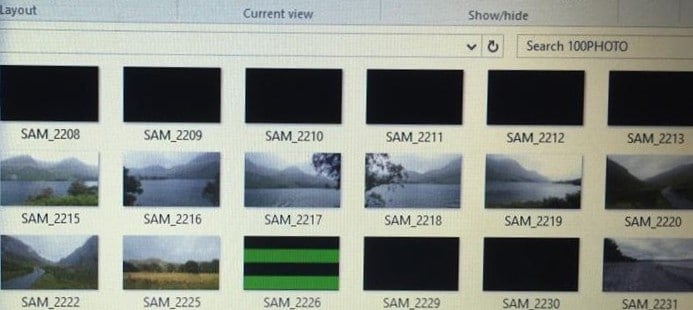
Windows keeps a copy of all of your picture, video, and document thumbnails so they can be displayed quickly when you open a folder. The thumbnail preview problems can be resolved by clearing the thumbnail database and let the system rebuild it as and when required. To do so, use these steps:

Clearing the Thumbnail Cache using Disk Cleanup

1. Click Start, type cleanmgr (or type disk cleanup) and press {ENTER}

2. Click My files only (You may not see this option if you’re using Windows 7)

3. Select the system drive letter from the drop-down.

Uncheck all the entries, except Thumbnails

Click OK, and click Delete Files to confirm.

More Information

The thumbnail database is stored globally in Windows 7 & Windows Vista, unlike Windows XP, where the thumbnail database is stored on a per-folder basis. In Windows 7 & Windows Vista, the default thumbnail cache location is mentioned below:

%LocalAppData%\Microsoft\Windows\Explorer

“Clear Recent Items List” Option Missing When You Right-Click on the Recent Folder

When you open the Windows Vista Start menu and right-click Recent Items, the option Clear Recent Items List may be missing. Also, the Recent folder may be displayed with a generic folder icon in Windows Explorer. (more…)

Restore Missing “Mozilla Firefox” Entry to Set Program Access and Defaults in Windows XP

If you find Mozilla Firefox browser missing in the Set Program Access and Defaults (SPAD) dialog, here is a fix to restore the entry back. (more…)