How to Save and Restore Desktop Icon Layout Automatically in Windows

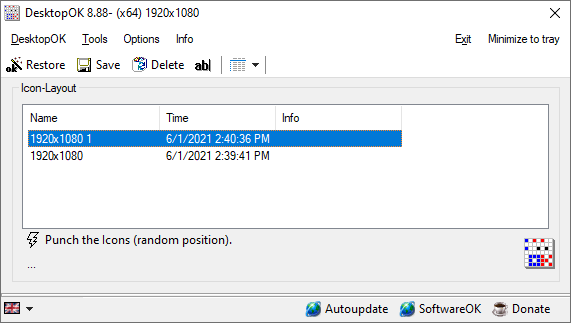
desktop icon layout desktopok

When testing various display resolutions or after completing a remote desktop session, the desktop icons may go out of order. Another case is that when you accidentally use the Ctrl+ Scroll button (mouse) on your desktop, the Desktop icon size changes. But reverting to the original icon size may not restore the custom icon positions on your desktop. You can quickly undo the icon rearrangement by terminating explorer.exe forcefully, but that works only in certain circumstances.

In this article, we’ll see how to automatically save and restore desktop icons layout using different methods in Windows.Read more

How to Launch a Vbscript in Elevated Mode (Run as Administrator)

With the introduction of User Account Control (UAC) in Windows Vista, you usually open an elevated Command Prompt in order to run batch files and scripts that need administrative privileges. Applications can make use of manifest files (using the RequireAdministrator flag) to automatically run elevated.

For scripts, this article provides you some neat little tricks using which you can automatically elevate using the ShellExecute “runas” parameter.

(See also How to Automatically Elevate a Batch file to Run it as Administrator? for another auto-elevation method.)Read more