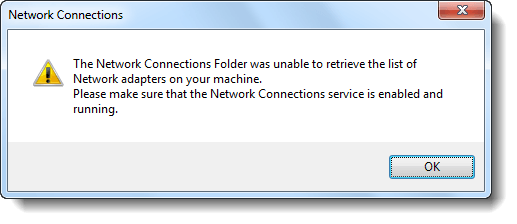
When you open Devices and Printers applet, none of your printers may be listed. Running the Printer Troubleshooter may show that the Print Spooler service isn’t running, and attempts to start the Print Spooler service manually via Services MMC or using the Microsoft Printer Troubleshooter Fix-It may turn out to be futile, showing up one of the following errors:Read more
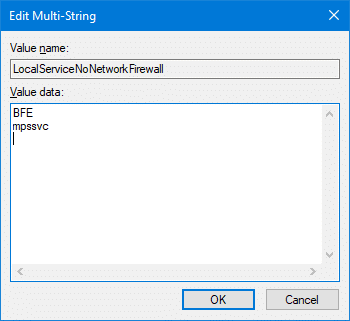
When you try to start the Windows Firewall in a Windows computer, you may get a message stating that the the Base Filtering Engine (BFE) service is not running, and any attempts to start the BFE service may result in the error 1083:
Windows could not start the Base Filtering Engine service on Local Computer.
Error 1083: The executable program that this service is configured to run in does not implement the service.
When you right-click on the Desktop and choose Personalize, the error "No such interface supported" is shown and the Personalize window doesn’t load. Registering the file actxprxy.dll resolves the problem. To do so, click Start, click All Programs, click Accessories, right-click Command Prompt, and then click Run as administrator. Type the following command and press … Read more
When you open the Windows Firewall with Advanced Security snap-in in Windows 7, the following error may be displayed and the snap-in loads up blank:
There was an error opening the Windows Firewall with Advanced Security snap-in
You do not have the correct permissions to open the Windows Firewall with Advanced Security console. You must be a member of the Administrators group or the Network Operators group to perform this task. For more information, contact your system administrator. Error code: 0x5.
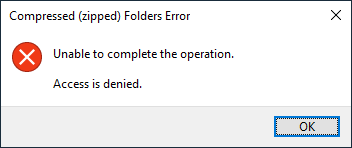
When you try to create a Compressed (zipped) folder in Windows, the error “Unable to complete the operation. Access is denied” may occur and the zip file is not created.
Compressed (Zipped) Folder Access Denied error occurs if the user %TEMP% variable isn’t properly set, or the user has no “write” access to their %TEMP% folder.
Instructions in this article apply to all versions of Windows, including Windows 10/11.
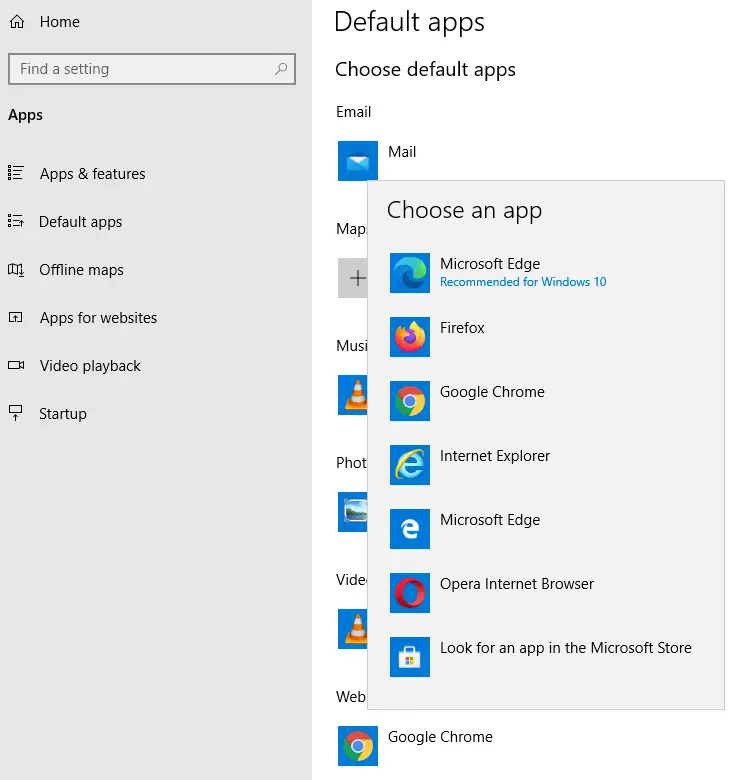
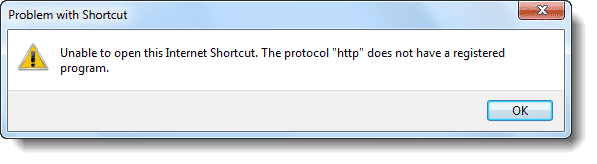
When you double-click an internet shortcut (.URL) file or click on a hyperlink in your mail client, you may encounter the error Unable to open this Internet Shortcut. The protocol “http” does not have a registered program. This is akin to saying “hey! you haven’t configured a web browser as the default“. Now you know where to look for the solution… the “Default Programs” applet.
When you open the Services MMC (services.msc), the following errors appear, and the list of services may or may not display after dismissing the error message dialog boxes. One or more ActiveX controls could not be displayed because either: 1) Your current security settings prohibit running ActiveX controls on this page, or 2) You have … Read more
When you click the Windows Explorer or File Explorer shortcut Pinned to the Taskbar, or when running explorer.exe directly, the following error message may be displayed:
This file does not have an app associated with it for performing this action. Please install an app or, if one is already installed, create an association in the Default Apps Settings page.
Windows 10: File Explorer Pinned Taskbar shortcut error.
And the same error occurs when using the Win + E shortcut or running explorer.exe manually.
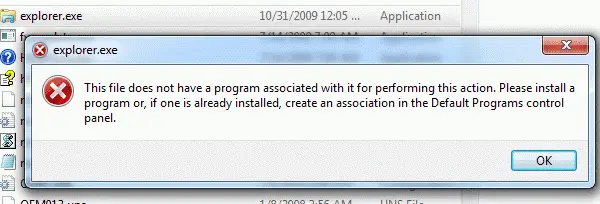
In earlier Operating Systems (e.g., Windows 8 and below), the following error is displayed:
This file does not have a program associated with it for performing this action. Please install a program or, if one is already installed, create an association in the Default Programs control panel.
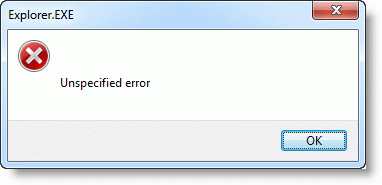
And using the Win + E key sequence causes “Unspecified error”
However, Explorer may launch correctly when including additional switches such as /e or /n with explorer.exe, or double-click the This PC icon. Also, all other shortcuts for other applications Pinned to the Taskbar may work fine, thus implying that this is not a Shortcut (.lnk) file association problem.
Cause
This problem occurs due to missing data in the HKEY_CLASSES_ROOT\Folders registry key. The File Explorer pinned shortcut located at the following path is a special shortcut that references a value under the “Folder” registry key:
When you insert a DVD media in the drive, right-click on the drive and choose Play from the context menu, the following error may occur. Windows cannot access the specified device, path, or file. You may not have the appropriate permissions to access the item. However, you may be able to play DVD movies via … Read more