When you try to run a VBScript by double-clicking it, the script may open in Notepad. This happens if the user has set Notepad as the default (instead of wscript.exe) program for .vbs files, using Open with or through any other methods..
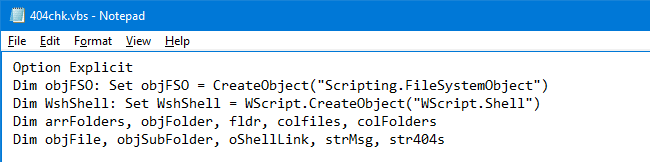
[Fix] VBScript Files Open With Notepad
Running VBScript manually
To run the script, you may use one of these two Windows Script Host executables.
- CScript.exe (Console-based Scripting Host)
- WScript.exe (Windows-based Scripting Host)
Whether you use WScript or CScript, you still run the scripts in the same manner. The difference is only in the output — WScript generates windowed output, while CScript sends its output to the command window in which it was started. (REF: Running Scripts from Windows)
To run a VBScript file using CScript.exe, use the following command-line syntax:
cscript.exe "drive:\path\filename.vbs"
To run a VBScript file using WScript.exe, use the following command-line syntax:
wscript.exe "drive:\path\filename.vbs"
Fix the Default “Open” Action for VBScripts
To reset the default action for .vbs file types so that double-clicking executes the file instead of opening it in Notepad, use these steps:
Download vbsfix.zip and save to Desktop. Unzip and run the enclosed REG file vbsfix_vista.reg by double-clicking it. Click Yes when asked for confirmation.
This changes the default action for .vbs files associating them with Windows Scripting Host executable.
One small request: If you liked this post, please share this?
One "tiny" share from you would seriously help a lot with the growth of this blog. Some great suggestions:- Pin it!
- Share it to your favorite blog + Facebook, Reddit
- Tweet it!


great info, it helps me alot.
Thanks a lot!
It took me some time to find this site and your answer to a problem that has bugged me for over a week. But your solution worked!
Thanks again,
Gunnar
in windows 7 it works for me, thanks
I execute the reg file for windows vista ( vbsfix_vista.reg)
this worked on Windows 7 for me as well – use vbsfix_vista.reg
Thank you
Great solution for my problems with running VBScripts.
Thanks a lot.
It does not work. I’m sorry, but it does not.
I mean My vbs code cant run it. It just errors on me.