 Here is a Windows 7 Search Connector which uses Windows Live Search to search Microsoft Knowledge Base (MSKB) articles from within Windows Explorer.
Download MSKB.osdx and save to Desktop.
Double-click the file to add the Search Connector, and click Add when prompted.
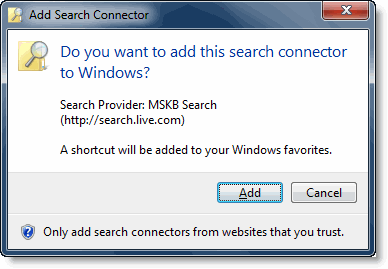
This adds the MSKB Search Connector and then opens Windows Explorer. Type in a sample search query.
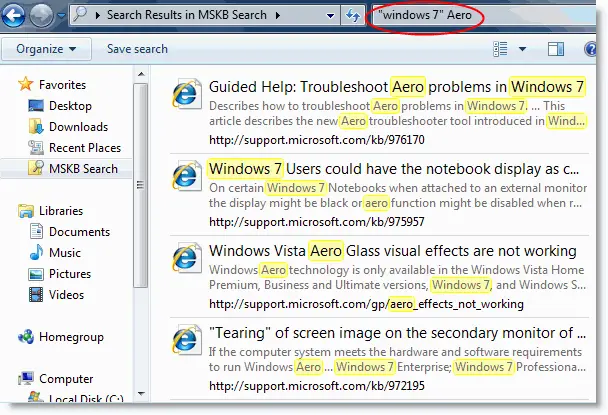
Fig 2: List of Windows 7 articles about “Aero”.
One small request: If you liked this post, please share this?
One "tiny" share from you would seriously help a lot with the growth of this blog. Some great suggestions:- Pin it!
- Share it to your favorite blog + Facebook, Reddit
- Tweet it!


Two win 7 problems. System freeze and delete system restore points on reboot.