One of our readers wrote asking me how to disable the zoom feature in Internet Explorer, as the zoom level in Internet Explorer changes when the CTRL key is accidentally pressed when scrolling a webpage using mouse. Sometimes this does happen to me as well, and the only workaround that I know is to disable the zoom level feature altogether. This also prevents you from changing the zoom level via the View menu in Internet Explorer. If you don’t use the zoom feature in IE, go ahead with this registry edit.Read more
Scan USB Drives Using Microsoft Security Essentials via the AutoPlay Dialog
We’d like to share with you an interesting registry hack that adds a Microsoft Security Essentials AutoPlay handler so that you can thoroughly scan a CD/DVD media or USB flash drive for viruses, via the AutoPlay dialog. See article Scan Your Thumb Drive for Viruses from the AutoPlay Dialog at the How-To Geek website. Thanks … Read more


 You can disable Adobe Flash animations in websites by disabling the Adobe Shockwave Flash Object using the Manage Add-ons dialog in Internet Explorer, or by setting a "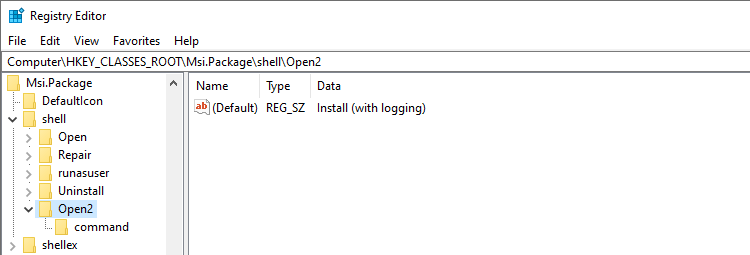
 When a software installation that uses the Windows Installer Package fails, you enable Windows Installer logging and re-run the setup to capture the output to a log file for troubleshooting. Logging can be done using the Registry Editor, the Group Policy Editor, or the msiexec.exe command with the required parameters.