Skip to content

Winhelponline

  • Windows 11
  • Windows 10
  • More…
    • Microsoft Edge
    • Others
      • Windows (All)
      • Windows 8
      • Windows 7
      • Office
      • Internet Explorer

Month: February 2007

How to Remove or Modify the Shortcut Overlay in Windows

Last Updated on: October 15, 2022 by Ramesh

This article describes how to remove or modify the overlay (arrow icon) shown for Shortcuts in Windows.Read more

Categories Windows Tags registry

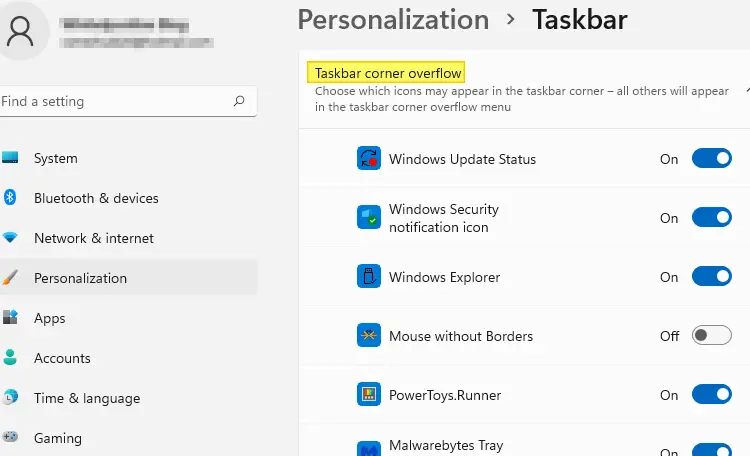
How to Clear Customize Notifications (Taskbar Corner Overflow) Icons
Last Updated on: May 6, 2023 by Ramesh
taskbar notification overflow icons windows 11

Over time, many invalid or obsolete taskbar notification icons may appear on the “Customize notifications” or the “Select which icons appear on the Taskbar” page with duplicate, invalid or missing icons.Read more

Categories Windows Tags gist, registry, scripts 17 Comments

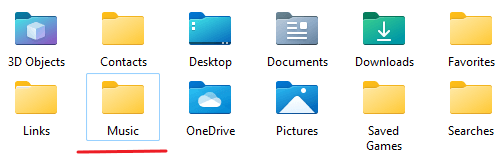
User Shell Folders Appear With Generic Yellow Icon in Windows
Last Updated on: September 1, 2022 by Ramesh
user shell folders generic icon fix

When you open Explorer, the shell folders such as Documents, Videos, Music, or Pictures may be displayed with a standard folder icon rather than the special folder icons. This behavior can occur when the desktop.ini file in the shell folder is missing or incorrect, or the folder has lost its read-only attribute.Read more

Categories Windows 6 Comments

Useful Posts

  • How to Download Windows 11 ISO Using Media Creation Tool
  • How to access Windows Recovery Environment (WinRE)
  • Error: WFS.exe is missing in Windows 10/11
  • How to Install Windows Sandbox
  • Windows 10: Latest Cumulative Update Direct Download Links
  • How to Take a Screenshot
  • Download Windows 10/11 Official ISO
  • Reinstall Windows Store Using the Appx Installer
Twitter Facebook

About us | Contact us | Disclaimer & Terms of Use | Privacy Policy

© 2026 Winhelponline.com